The game explains almost nothing on purpose. This is where to look when you want to know how something works, without having the surprises ruined.
No spoilersUpdated for v176
How this guide works
Palafita is a game about finding things out. This guide explains how each part of the game works and what it's for. It never tells you what's out there: no lists of fish, recipes, seeds, keepsakes or story pages, and no maps of where things are.
Answers "how do I…?" and "what does this do?"
Doesn't answer "where is…?" or "what's the full list?"
If you're stuck, start with the first ten minutes. If something seems wrong, it might be a bug: post it in the comments on the itch page.
The first ten minutes
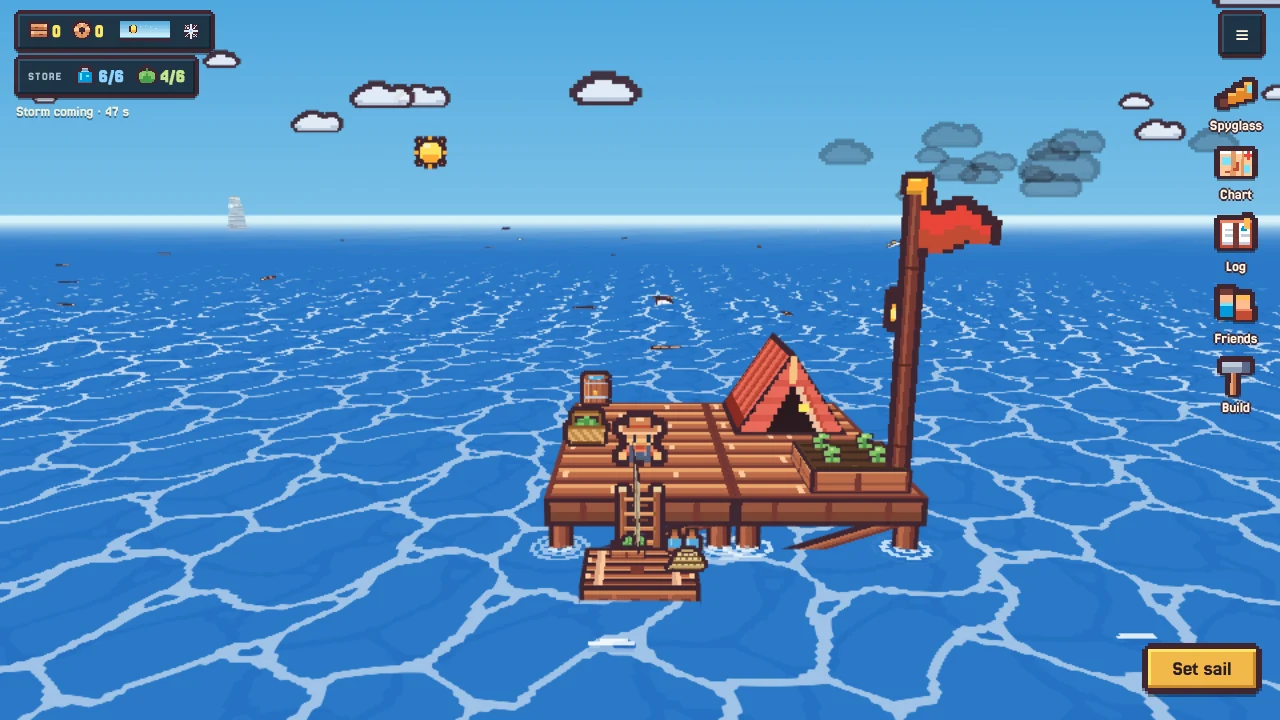
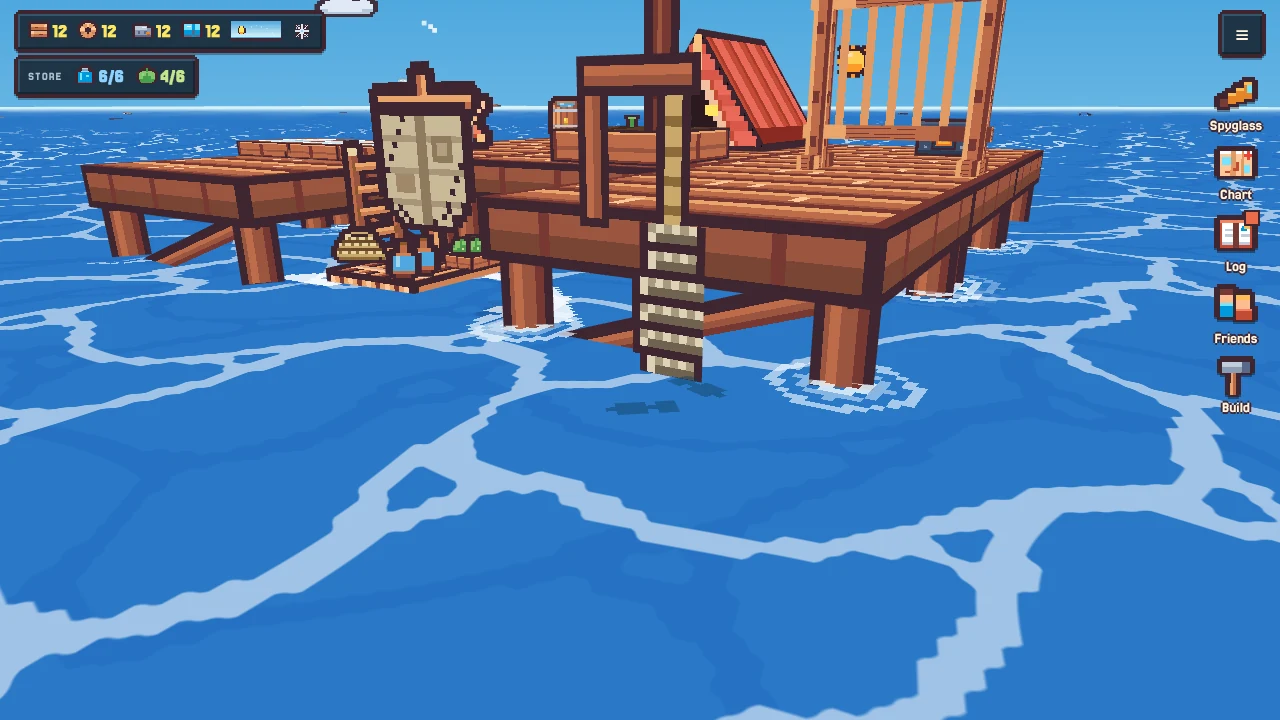
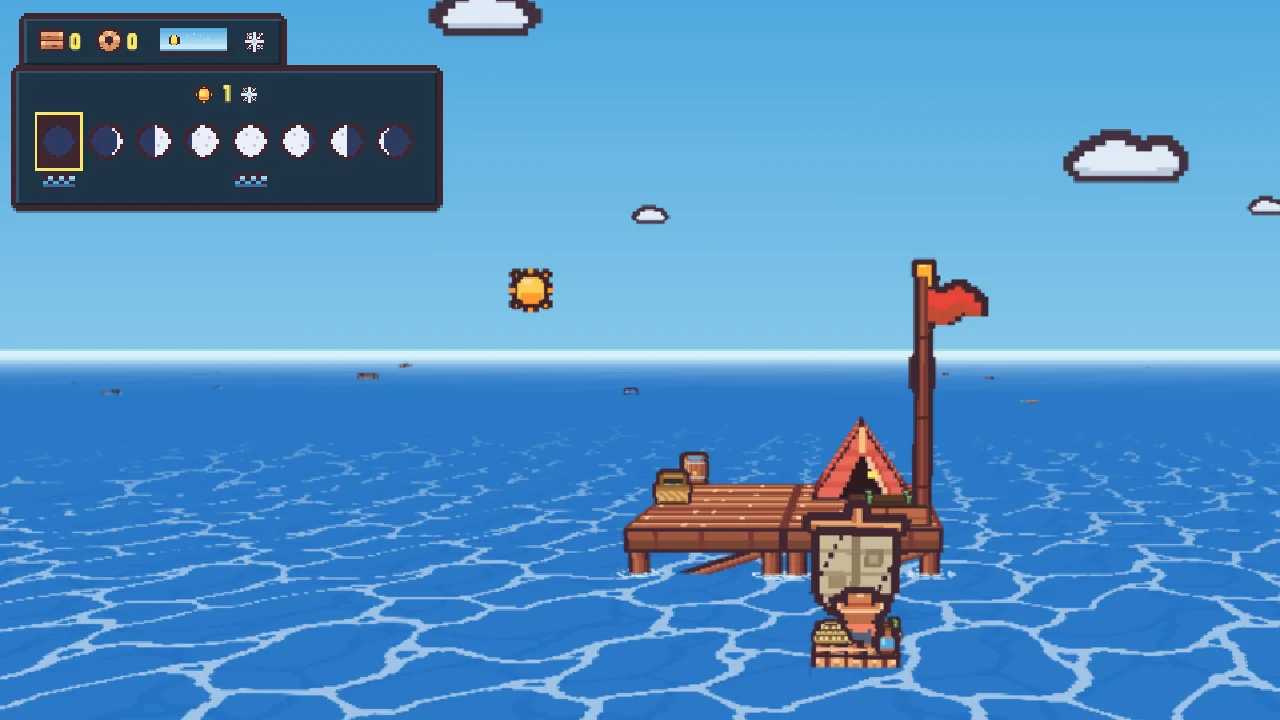
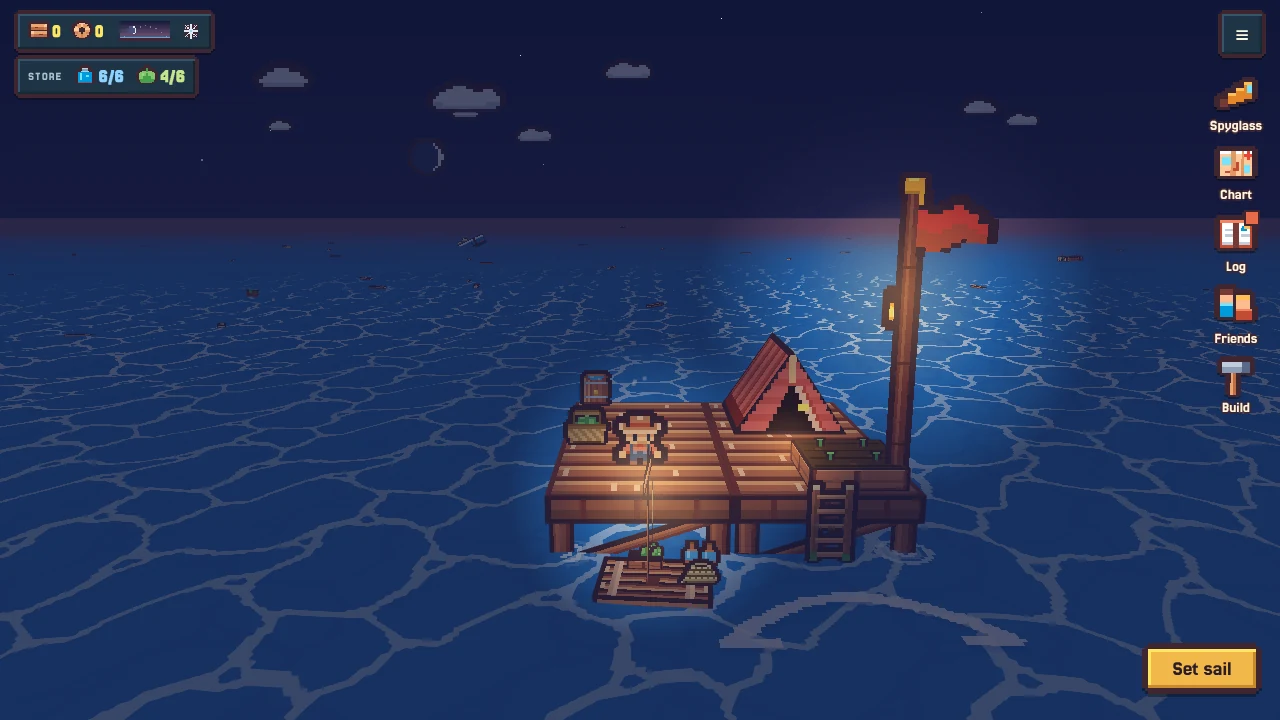
You start on a small deck on stilts: a tent to sleep in, a planter, a water barrel, a food basket, and your raft at the ladder. That's your station. It never moves. Everything else is out on the water.
Your station on day one. The store (water and food) shows top left.
1. Look around your deck
Walk about. Tap things to see what they hold and what you can do with them. Your barrel and basket are your store: the water and food your station has.
2. Set sail
Walk to the raft and choose Set sail. The raft fills its pack from your store for the trip. Whatever you don't use comes back when you step ashore.
3. Pick things up
Sail over or close to things floating on the water to take them. Planks come first; rope comes next. Things near the raft drift in to meet it.
4. Come home and build
Sail back to the ladder and Step ashore. What you carried is unloaded. Open Build and spend it: a new deck tile is a good first goal.
5. Keep an eye on the sky
Days pass, night falls, rain comes and goes. Rain fills your barrel. Your planter grows while you're away.
The first days are gentle. Small trips close to home pay off well. Go farther once you can carry more.
Controls
To…
Phone or tablet
Keyboard and mouse
Walk or steer
The joystick
WASD or arrow keys
Turn the camera
Drag on the view
Drag, or Q / R
Main action
The big gold button
E or Space
All actions for a thing
Tap it: its actions fan out around it
Click it
Fish or dive at sea
Stop, then tap your raft
Stop, then E or Space
Spyglass
Spyglass button
G
Chart
Chart button
M
Sea Log
Log button
L
Close a sheet
✕, or tap outside
Esc
Tap anything and its actions fan out around it. Gold is the main one.
Spyglass, Chart, Log, Friends and Build sit down the right side. Settings (music, sounds, the compass ring, saving by email) are in the ≡ menu.
Dimmed actions are ones you can't afford yet. Tap one anyway and it tells you what's missing.
Water, food and range
There's no health bar. Water and food decide how far you can go, not whether you live.
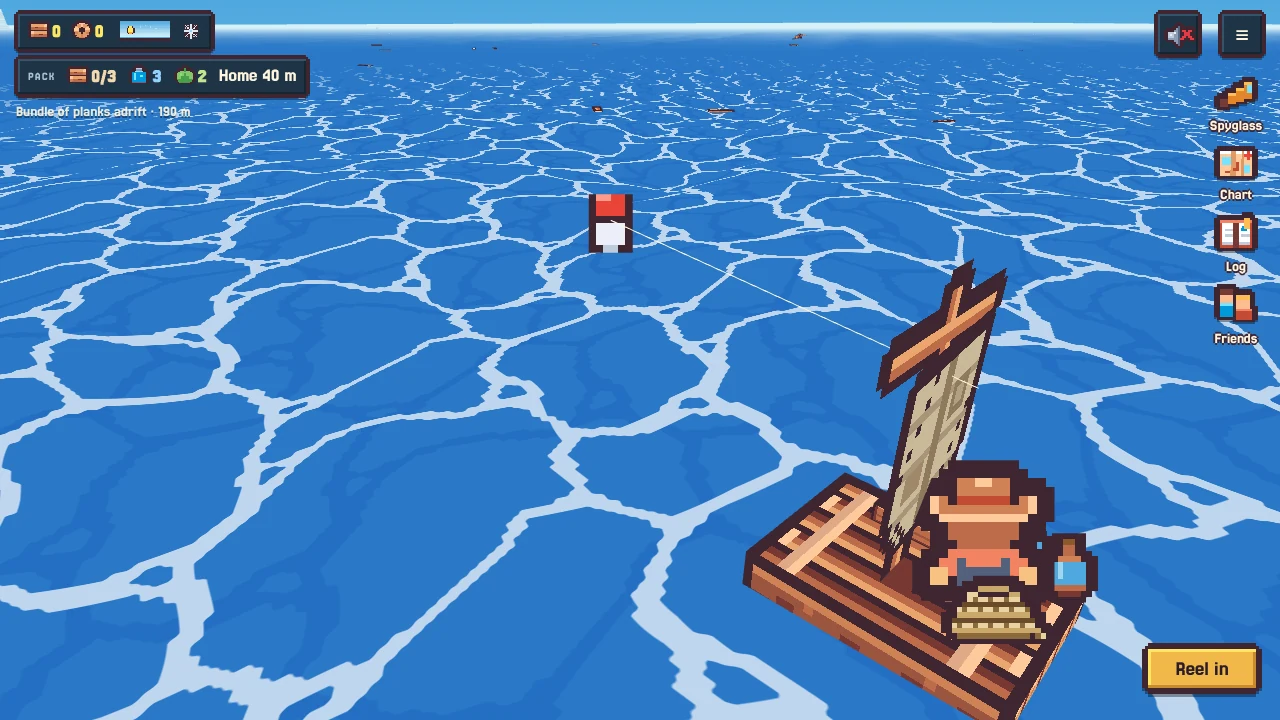
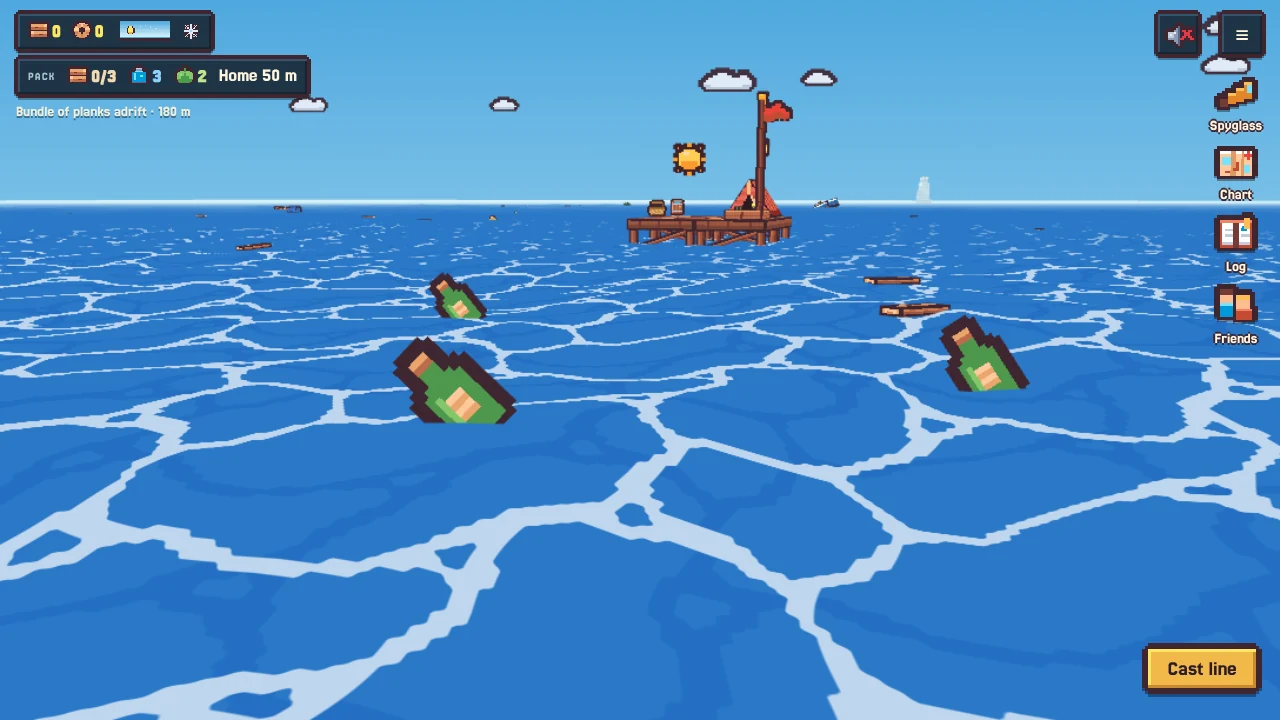
At sea the HUD shows your pack: planks aboard, water, food and how far home is.
Close to home, in the calm water, you use nothing.
Beyond it, water and food slowly run down. Towing something heavy makes them go faster.
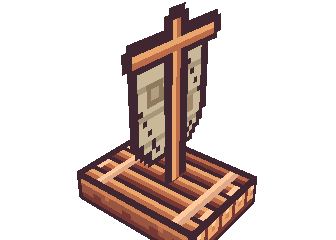
The raft shows what it carries: jugs for water and a crate for food.
Run out and you slow down and drop what you're towing. Shortly after, you collapse and wash up on your own deck at dawn.
Collapsing costs time and whatever was trailing behind the raft. Anything you dropped stays where it was.
Going farther
A bigger store at home lets you fill the raft more.
Raft upgrades carry more water and food.
Some dishes from the stove keep, and help at sea.
Point the spyglass at something far away: if you can't make it there and back, it tells you how much water and food you'd need.
Sailing and towing
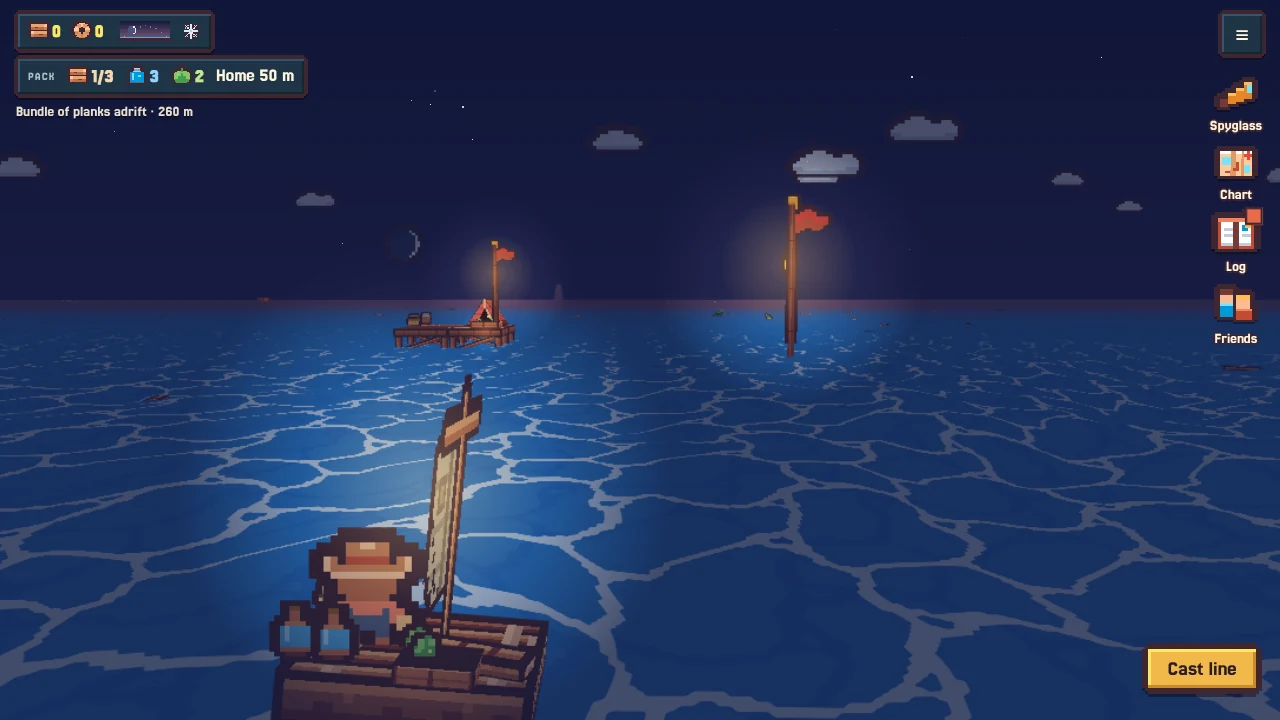
Under sail. Anything floating is worth a look.
Rope is everything
Rope is the game's most important material, because one rope does two jobs:
It holds your home together. New deck needs rope as well as planks.
It's your tow line. The longer your line, the bigger the things you can pull home.
Every rope in the line is a rope not in your station. Choosing which to grow is the heart of the early game.
Towing
Some things are too big to carry. Sail up with a long enough line and take them in tow.
Bigger things need a longer line, and some need a sturdier boat.
Planks that don't fit on the raft can trail behind it on the line.
Whatever you tow home becomes part of your station. Your home ends up as a map of where you've been.
Lines fray. Splicing them costs rope. Whatever you were towing may drift off, but it's never lost.
The compass ring
Once home is out of sight, a ring appears on the water around the raft, with a gold needle pointing home and an N for north. It can be turned off in the menu.
Upgrading the raft
Build has a Raft tab: a longer line, more room for water and food, and sturdier boats.
Your raft
Spyglass and chart
The spyglass
The spyglass names what it sees, says how far, and lets you pin it.
It shows far-off things and names what it can see. It can't see through things in the way.
Pin anything you see. A marker and an arrow at the edge of the screen lead you there.
It says how far away something is, and warns you when it's out of reach.
Reaching a pin clears it quietly.
The chart
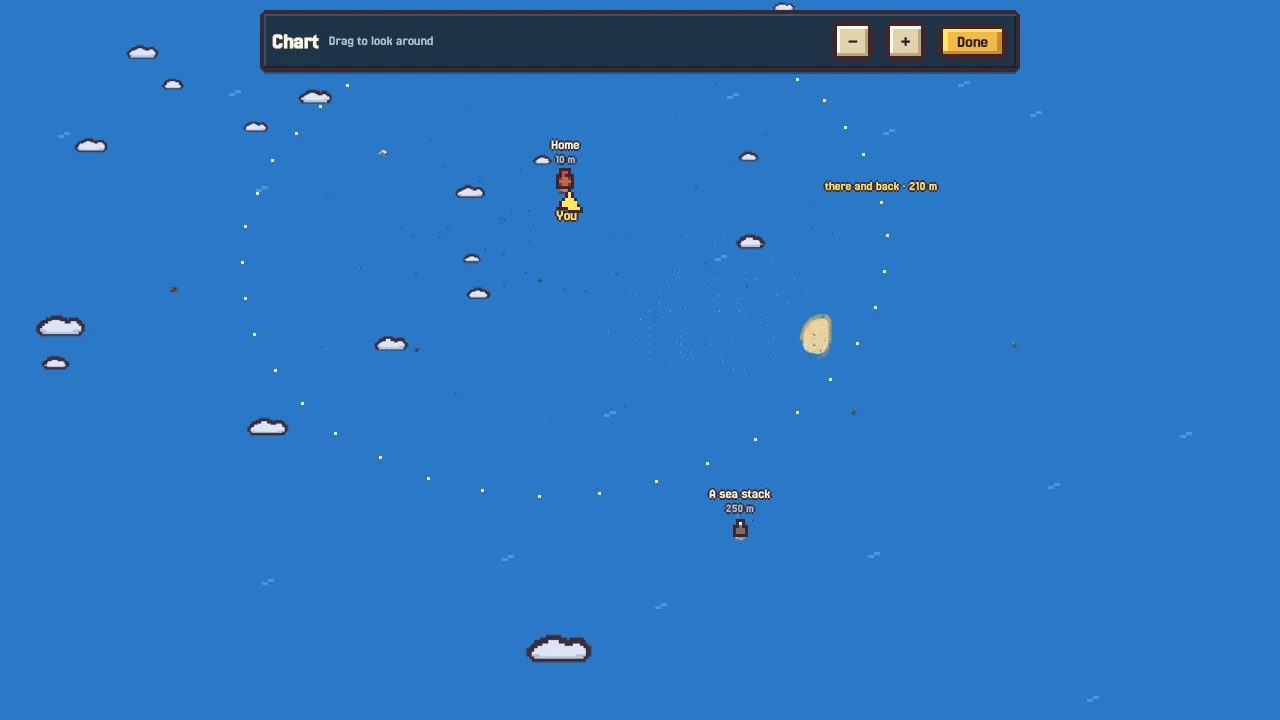
The chart: home, you, what you've spotted, and how far you can go and get back.
The camera lifts off so you see the real sea from above. Drag to look around, pinch or scroll to zoom. It shows your home, your pins, things you've spotted, other people's stations, and a ring for how far you can go and get back.
Building
Open Build while you're standing on your station. The camera comes in close and looks down, and the tray shows everything you can make, with its cost.
Build mode: the Station and Raft tabs, each card with its cost.
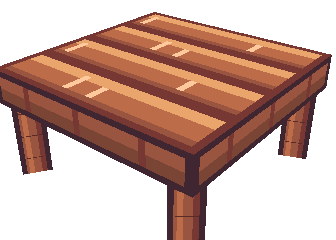
Deck tile
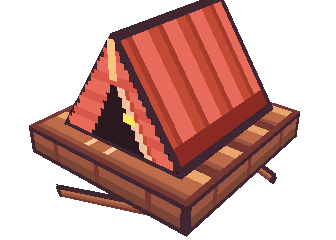
Tent
Planter
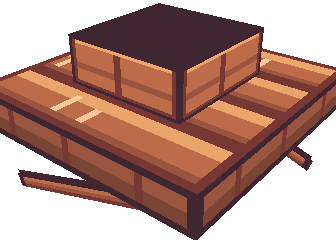
Food crate
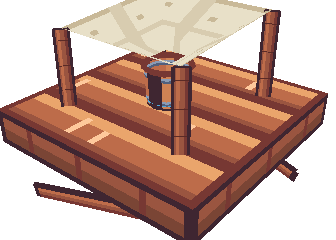
Rain catcher
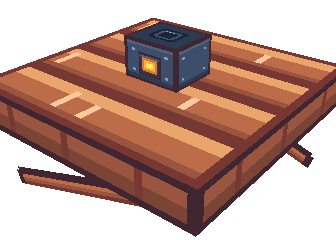
Stove
Loom
Salt pans
Placing things
Pick a card, then tap or drag where it goes. Lit pads show where it fits.
Each deck tile is a small grid. Big things take a whole tile or a corner; small things take one spot, so several share a tile.
Some things go on the edge of the deck, facing the sea.
Pinch, scroll or use + / − to zoom. Drag to move around.
Changing your mind
Tap something placed to select it: Turn it, drag it somewhere else, or Put away (you get the cost back).
The undo button steps back through recent changes.
Growing up and out
Deck spreads sideways, and you can build an upper floor with a ladder up. There's no limit on how big your station can get.
Keepsakes
Some things you find are just for looking at. They wait at the end of the Build tray until you set them out, and a few you make yourself. Most do nothing at all: they're there to make the place yours.
A card glowing amber means something on your station needs it.
Stilts and storms
Wear
Weed on the stilts means wear. Walk over and Mend stilts.
The sea wears your stilts down. You'll see weed creeping up a stilt before it gets serious. Mend worn stilts from the tile's actions. Left too long, a tile sags and creaks, and empty tiles can fall away.
Your station never shrinks below a small core, and tiles holding up something big won't fall.
Castaways mend stilts on their own once they live with you.
Stilts can be sheathed so they wear more slowly.
Storms
Dark clouds stacking up on one side: a storm is on its way.
Dark clouds stacking up on one side of the sky mean a storm is about a minute away.
Storms bring bigger swell, wind and heavy rain. Barrels and catchers fill much faster.
A storm can tear loose a bare edge tile on a bigger station. If it floats off, tow it back and lash it on again.
Storms are rare in summer and frequent in winter.
The sea often brings something in after a storm. Have a look around.
Other trouble
Gulls land to steal from planters and crates; walk up to them to shoo them off. Big animals sometimes bump the stilts. None of it is ever a disaster.
Planters and seeds
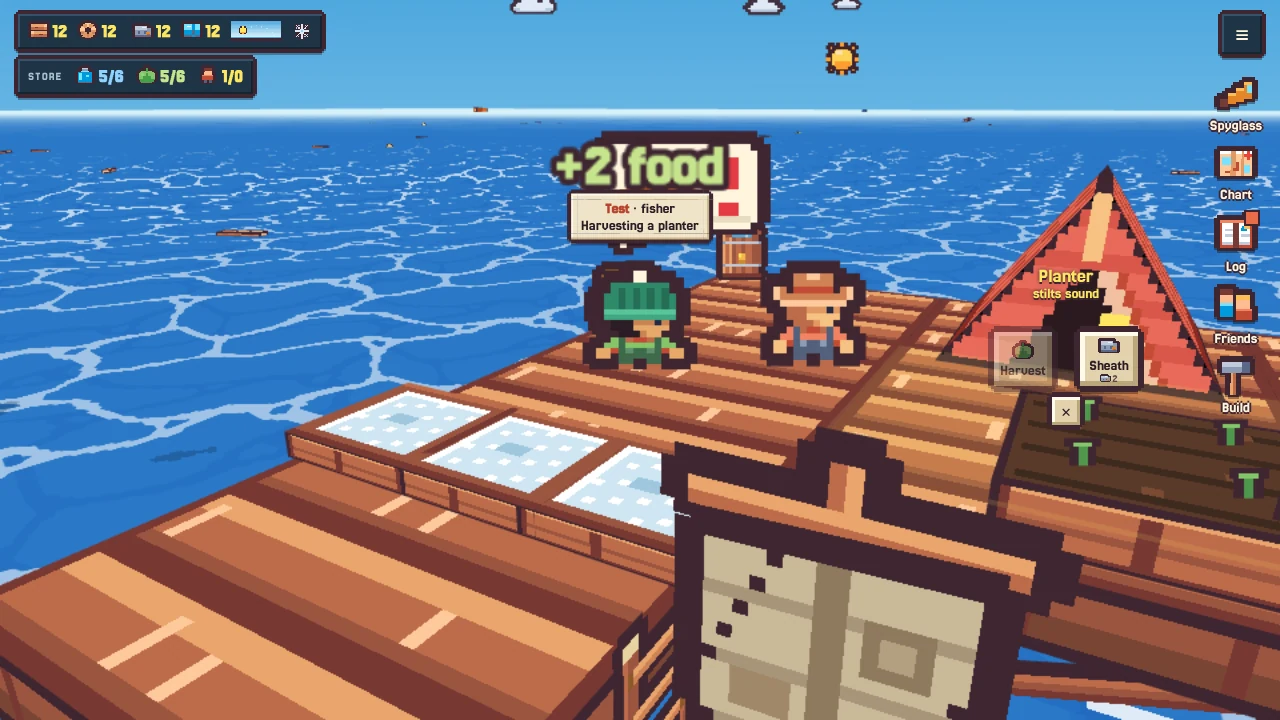
Planters are your steady food. They grow while you're away and are ready when the plants look ripe.
A ripe planter. It grows while you're away.
Seeds come from the sea
You can't buy seeds. They drift in on the water; sail over one to take it.
Different seeds turn up at different distances from home. The farther out, the more unusual.
To plant, tap a planter and pick the seed. Planting replaces what's growing there.
Harvesting sometimes gives a seed back, so one lucky find can fill several planters.
Seasons
Every crop has seasons it likes. Out of season it grows much more slowly, but it never dies. A planter's actions show which seasons its crop prefers.
Some things you'll find out at sea make plants grow faster. Look where seabirds gather.
Shell ropes
A shell rope hangs from the edge of your deck into the sea. Shellfish settle on it and grow over a few days. You can see it filling up.
A shell rope off the deck edge. Clusters at the waterline mean it's ready.
When it looks heavy, haul it up for food. It goes straight back down, bare, to start again.
What settles on a rope depends on the day you hang it. Watch the moon.
Shellfish are good for more than eating: try them for fishing and at the stove.
Small fish like to hang about around full ropes.
Salt pans
Salt pans are shallow trays you fill with seawater and leave in the sun. When the water has gone, rake the salt.
Salt pans drying on the deck.
They only dry in sunshine, and faster in warmer seasons.
Rain dissolves them back to brine, even salt that was ready. Rake before the weather turns.
Where you put them matters: higher up is sunnier; under a roof is sheltered but shadier.
Salt is for cooking.
A long, dry, sunny spell can turn out something a little special.
The loom
Cloth turns up now and then as scraps of sail drifting far out. A loom lets you make your own: weave rope on it, wait a little while, then take your cloth.
The loom, with cloth growing up the frame.
The stove and the cookbook
Every catch, harvest and haul gives food for the store and puts an ingredient in your larder. The stove is where you use them.
The stove. Stand next to it and Cook.
Put two or three ingredients in the pot and Cook.
Nobody tells you the recipes. Try combinations; a new dish is written into your cookbook.
Something that isn't a real recipe still makes an edible stew. Nothing is wasted.
Recipes can also be learned from people and from things you find.
Dishes that do things
Most dishes are just good food. Some do more: a few keep for the trip and help you go farther; others cheer your crew up so they work faster for a while. The cookbook marks what a dish does once you've made it.
Think about what belongs together in a kitchen by the sea. That's usually a good start.
Castaways
Every so often, someone drifts by on a log. Look for a thin column of smoke by day or a swinging lantern at night. Sail up and pull them aboard.
Somewhere to sleep
Someone without a bed: the tent bubble says what they need.
New arrivals sleep rough on the bare deck until they have a bed. You'll see it: they curl up at night and shiver in the rain. Walk up to them and read their bubble. Once they have a bed of their own, they unpack and settle in.
What they do
Tap a castaway to see what they're doing and why.
Castaways do whatever the station needs most: harvesting, filling and emptying stores, fishing off the deck, mending stilts.
Each has a trade, shown by their hat, and works twice as well at it.
They eat and drink from your store and sleep at night.
If the store keeps running low, someone may ask to build something. Say yes, or not now.
Tap a castaway to see what they're doing and why. The menu lists who does what.
Their stories
Once settled, castaways open up. Look for a speech bubble by day and stop to listen. Each has a past, a dish they miss, and something to teach. Requests you take on are kept in the Log under Favours.
Fishing
Fishing happens under the water: you cast, follow your lure down, and work it until a fish takes it. It costs nothing but time.
Casting
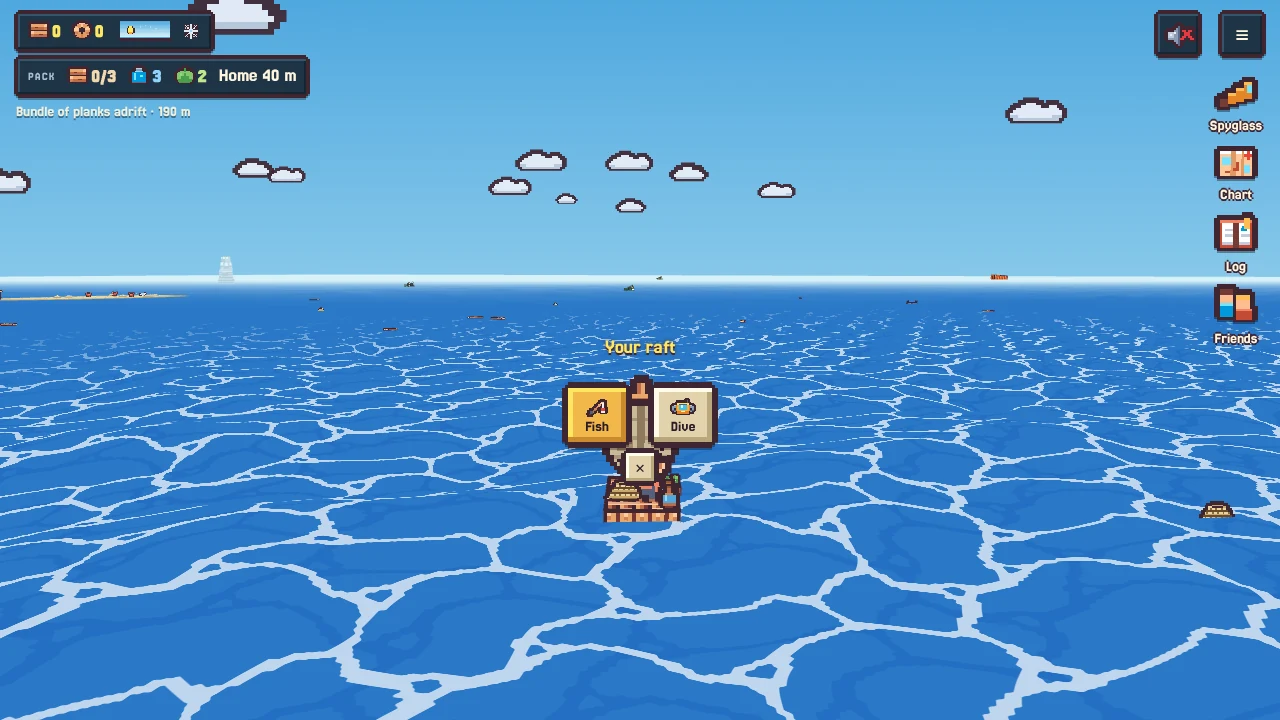
At sea: stop the raft, tap it, and pick Fish from its wheel.
At home: stand at a bare edge of the deck (or sit on a stool) and tap Cast line.
The camera follows the bobber out to the water, then the view slips under the surface after it.
The cast. Watch it land, then you go under with it.
Reel and sink
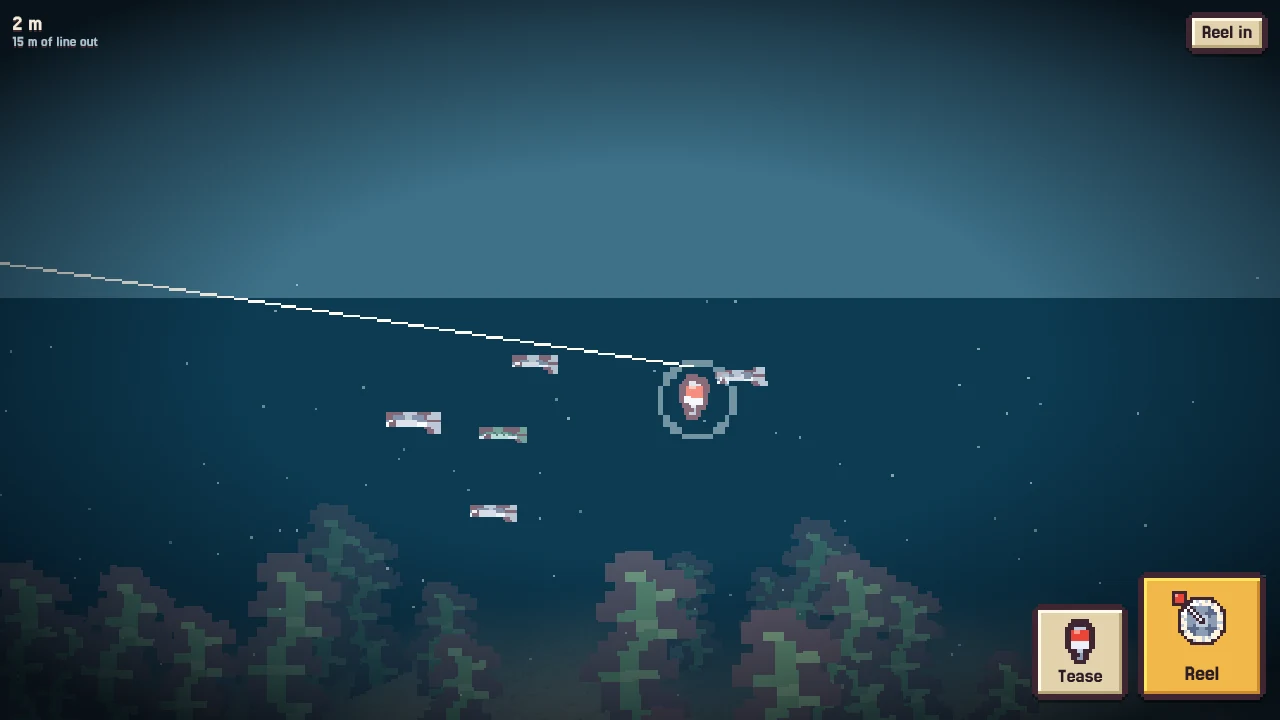
Hold Reel and the lure comes in and rises. Let go and it sinks, all the way to the bottom if you let it.
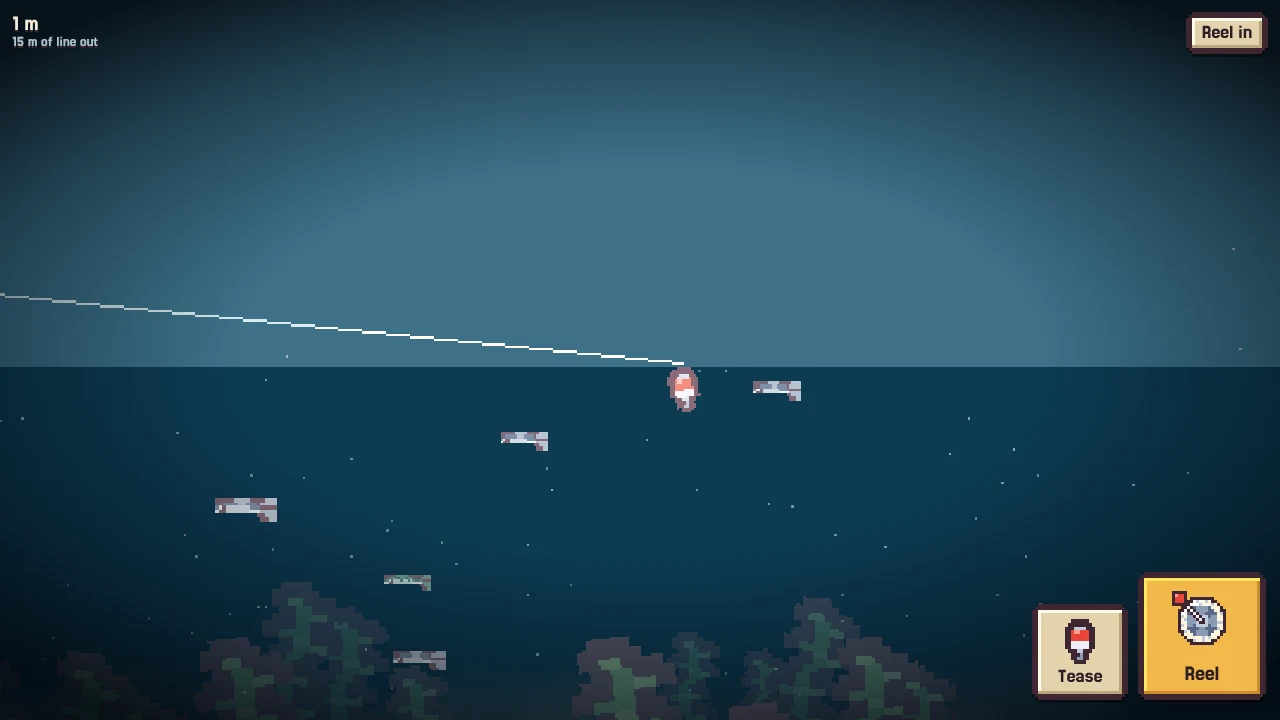
The top left shows how deep the lure is and how much line is out. Reel it all the way in and you're back on the surface.
Fish keep to their own depth. Some swim near the top, some in the middle, some down on the bottom, and they won't follow your lure out of their depth. Change depth to leave one fish behind and look for another.
Under water. Reel to bring the lure up, let go to sink it.
Stop, wait, tease
Pass close to a fish at its depth and it may start to follow. Stop reeling and it comes up beside the lure to look.
It won't bite on its own. Tap Tease to make the lure hop. Each tease gets a nibble; rarer fish take more teasing.
Don't tease too fast: a wary fish can spook. Don't wait too long either, or it loses interest and swims off for a while.
A tease also catches the eye of fish a little further off.
A fish watching the lure. Now tease.
The bite
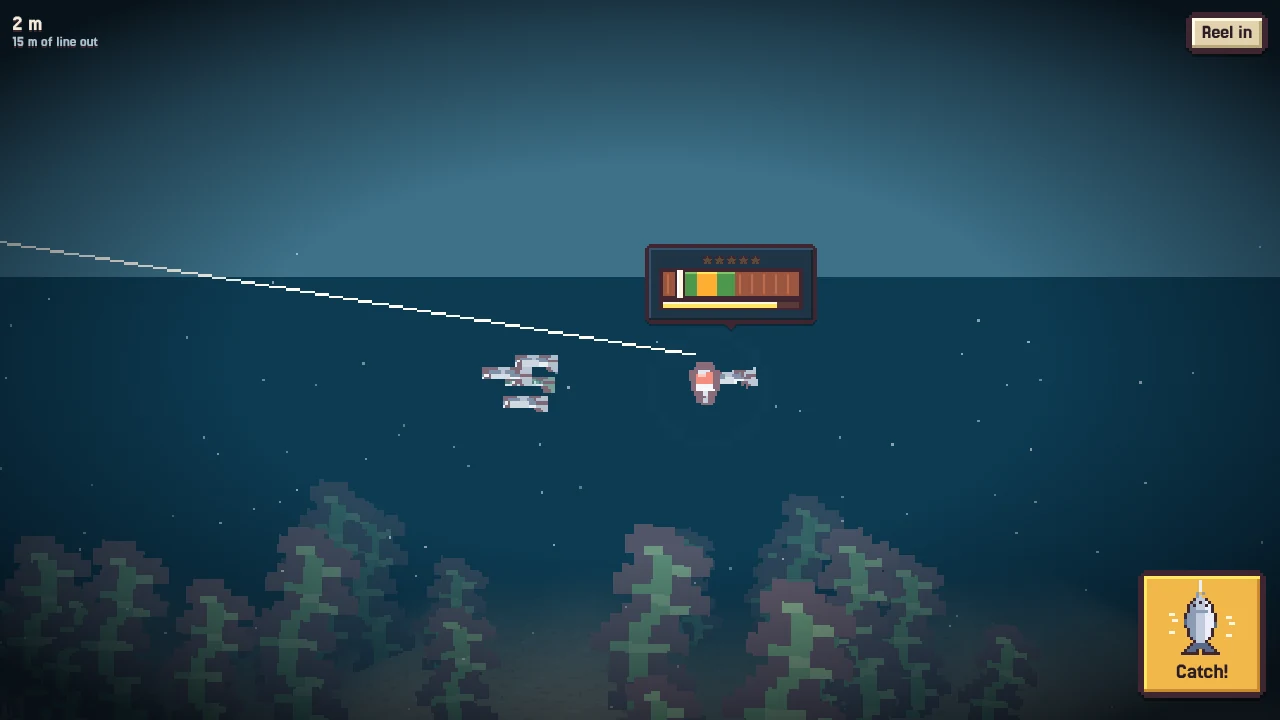
When it bites, a small gauge pops up over the fish and the big button turns into Catch!
Tap when the marker is in the gold for a perfect strike: the best odds of something rare, and a bigger catch. Green is good.
A fuse under the gauge burns down. If it runs out, the fish lets go and won't come back for a bit. You're still fishing; find another.
Perfect strikes in a row build a streak. Fill it and the next catch is special.
If there's no room left for food, the fish hops away happily. It still goes in your Log.
Reel in (top right) or Esc gives up the cast.
A bite. Catch it before the fuse runs out.
Lures
You start with one lure. Others turn up while you fish, snagged on the line now and then. Each does one thing differently. Once you have more than one, a lure chip appears under water; tap it to switch.
What bites where
Every fish has its places, seasons and time of day, and some care about the moon. Home is calm and shallow; the rarest fish live far out. Things worth trying:
Fish at different times of day and night, and at different depths.
Fish next to things: floating wreckage, rocks, your own deck.
Look for gulls wheeling and diving over white water. Something is feeding there.
Bait helps rarer fish bite.
Stuck with the same small fish? Let the lure sink past them. They stay at their depth and you get a look at what's below.
Diving and sunken things
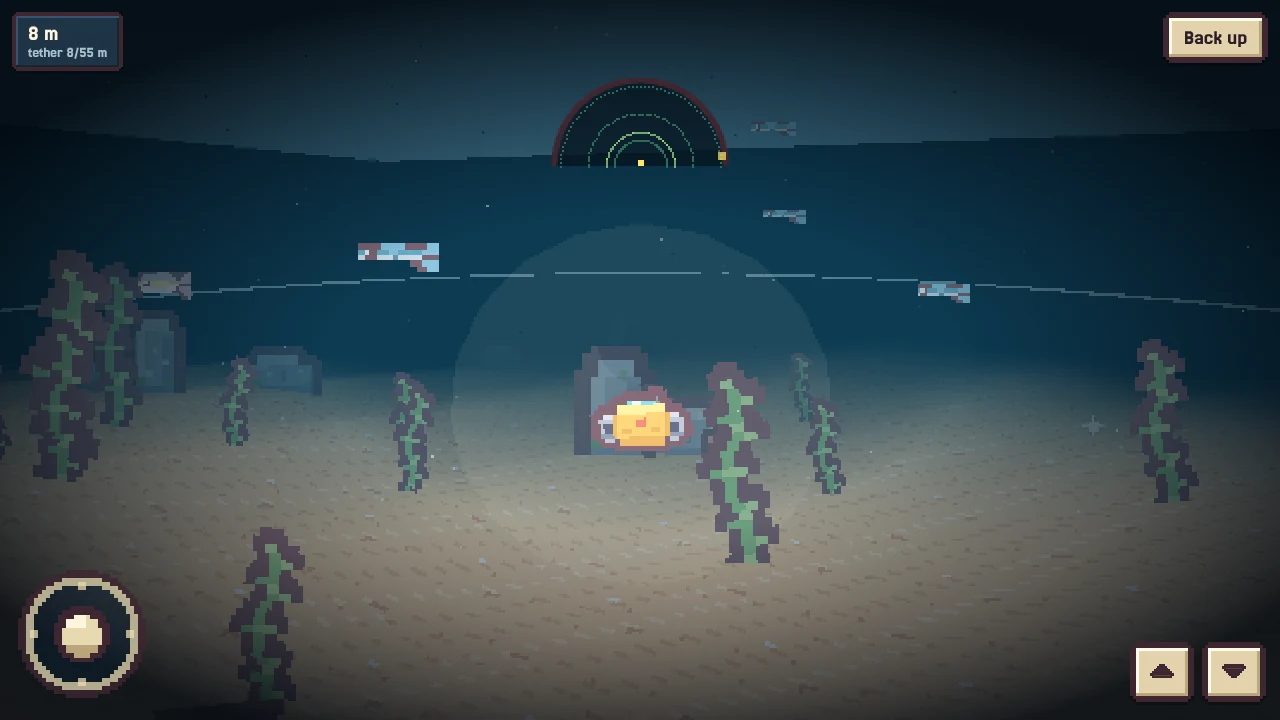
Your raft carries a little underwater drone on a line. Whenever the raft is stopped at sea, tap it and pick Dive from its wheel.
Tap your raft when it's stopped: Fish and Dive, and whatever else the raft can do there.
Flying the drone
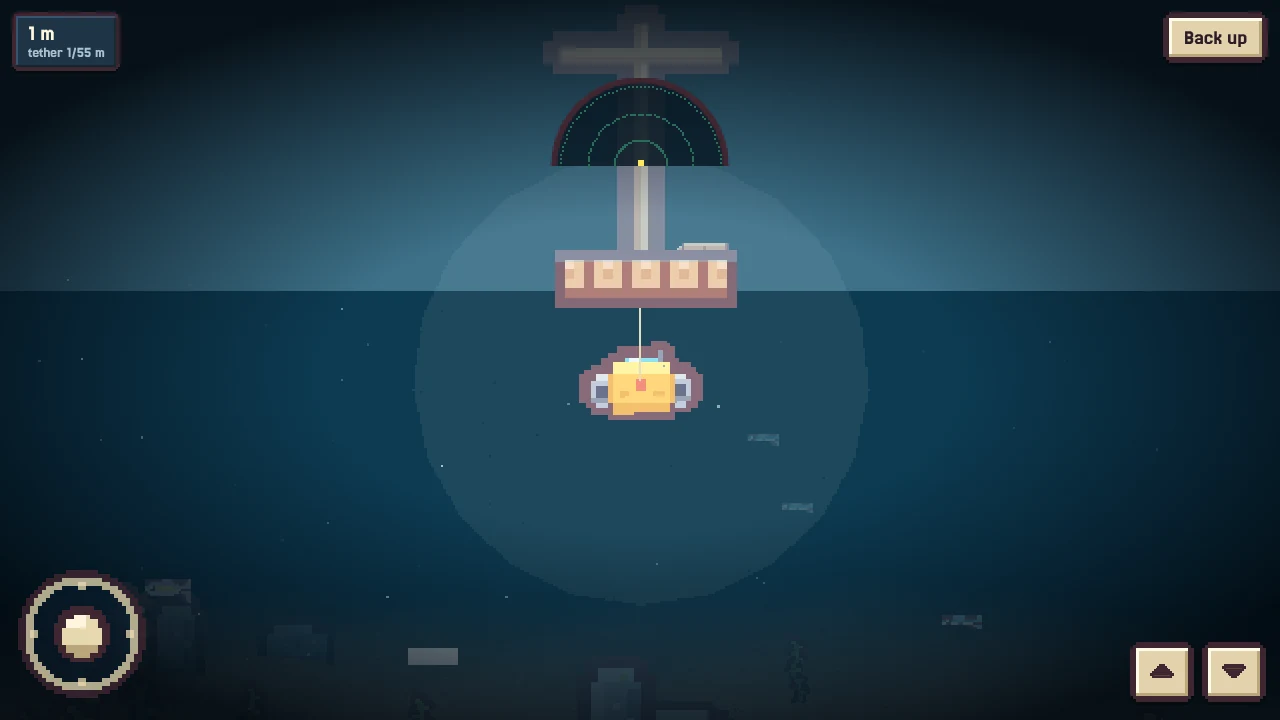
Joystick (or WASD): up goes forward, sideways turns. Drag on the water to turn too.
▲ and ▼ (or R / F) rise and dive.
There's no air and no timer. Tap Back up (or Esc) whenever you like.
The drone is tied to your raft. When you reach the end of the line, a No more line sign appears and it won't go further. Move the raft closer if you need to reach something.
Going down. Your raft is overhead, the line runs to the drone.
The sonar
The drone pings by itself every few seconds. Watch the dial at the top: when something answers, a blip shows which way it is. Brighter means closer.
On the bottom. Depth and line top left, sonar at the top.
Anywhere you stop
Every patch of sea has its own floor. Things glint on the sand here and there; fly up to them to pick them up. A patch gives its finds once a day, so it's worth diving somewhere new.
Sunken charts
Some bottles hold a sunken chart: a dotted circle with a sketch of something on the bottom. It's pinned on your chart.
At the spot, foam marks the circle on the surface and bubbles rise now and then.
Stop inside the circle and dive. The sonar answers from what you're looking for.
Small things can be hooked and brought straight up. Bigger things need lifting first, and then you tow them home like anything else.
The thing isn't always in the middle of the circle. If you run out of line, come up and move the raft.
Moon and tides
The moon in the sky waxes and wanes through a short cycle of nights. Tap the day dial at the top left to open the calendar and see where you are in it.
Tap the day dial for the calendar: the season, the day and the moons.
Full-moon nights are brighter, new-moon nights darker.
At the new moon and the full moon the tides run strongest. The calendar marks those days with small waves.
Plenty of things care about the moon. Learning to read it is how you plan trips.
Sandbars
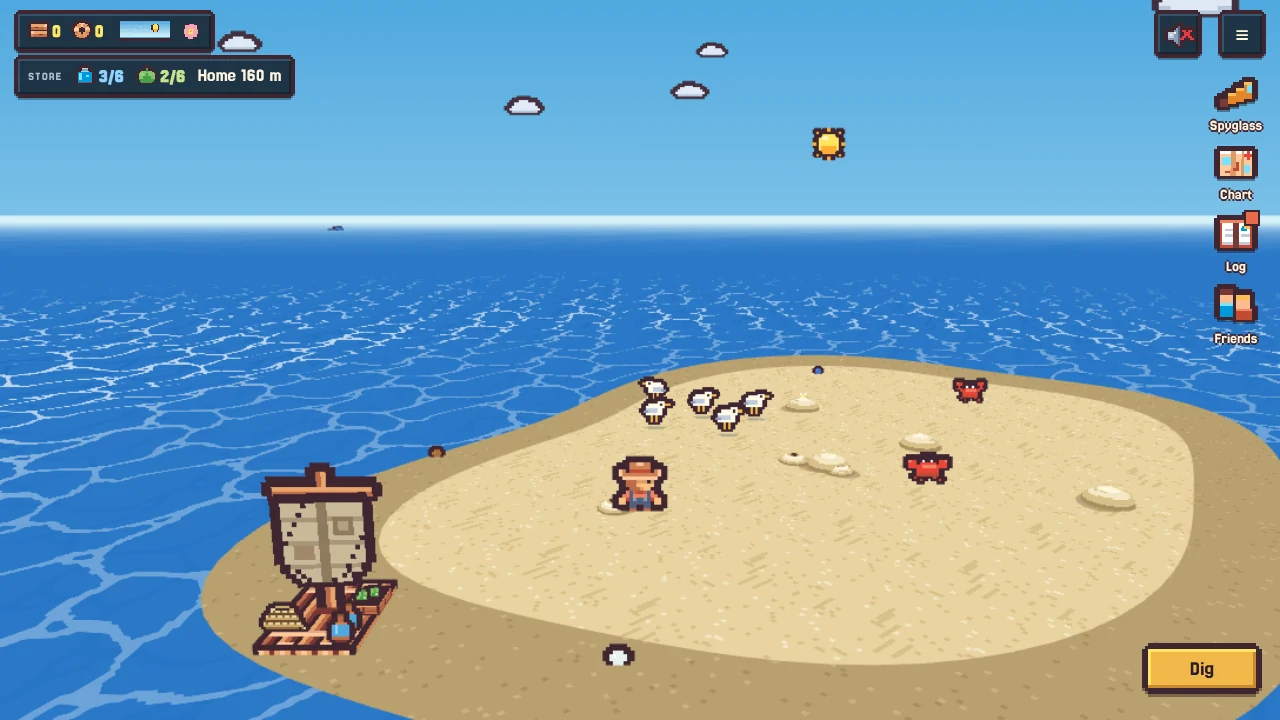
When the tides run strongest, a sandbar rises out of the sea for a couple of days, not too far from home, then sinks again. Each time it's somewhere new.
On a sandbar. Glinting mounds and holes are where to dig.
The spyglass will spot it. Sail up and step ashore onto real sand.
Look for small glinting mounds and bubbling holes, and dig.
Creatures come and go on the sand with the seasons. Give them space.
When the tide comes back in, you're put back aboard.
Check the calendar so you don't miss a tide. The sand is only there for a short while.
Sea stacks
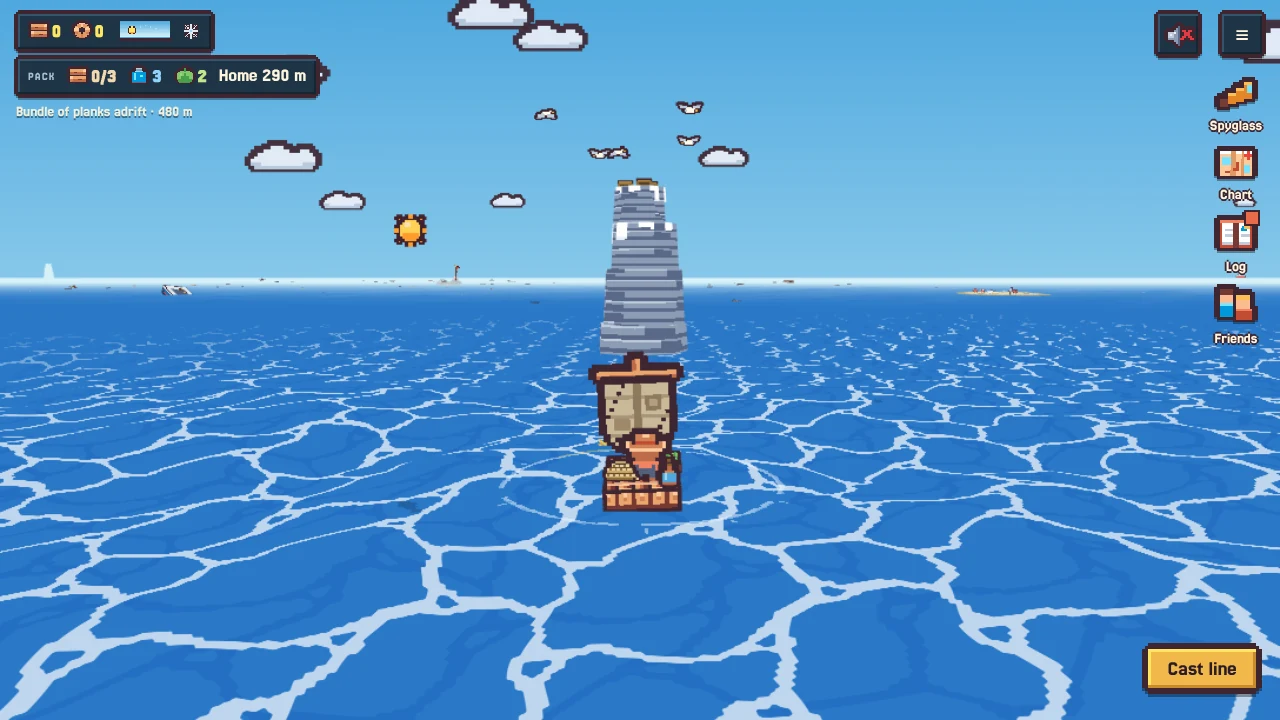
Tall towers of bare rock stand out at sea, with seabirds wheeling over them. You can't live on one, but you can climb it: sail close and slow, and the action appears.
A sea stack. Sail close and slow to climb.
The top is worth the climb. Some of what's up there comes back after a while; some only at certain times of year.
Climbing gives you the view: everything around the stack goes on your chart.
The water around the rock has its own fish.
Bottles
Bottles you find
Bottles bob on the current. Sail over one to open it.
Bottles drift on the current, more often after storms, and sometimes wash up on sandbars. Sail over one and it opens. A note can hold something useful, directions to somewhere, a sunken chart, or a piece of something older. Every note is kept in the Log, so you can read them together later.
Bottles you send
Every bottle you open leaves an empty one.
In the Log's Letters, write a note from set phrases, add a gift or one of your sketches if you like, and throw it.
Later it washes up on the sea of a real player you don't know. Neither of you learns who the other is.
They can reply, or send you a heart.
If a stranger's bottle ever has something you don't want to see, flag it.
Seasons and weather
Seasons follow the real calendar: each real week is one season, the same for every player, cycling spring, summer, autumn, winter. Its icon sits next to the day dial.
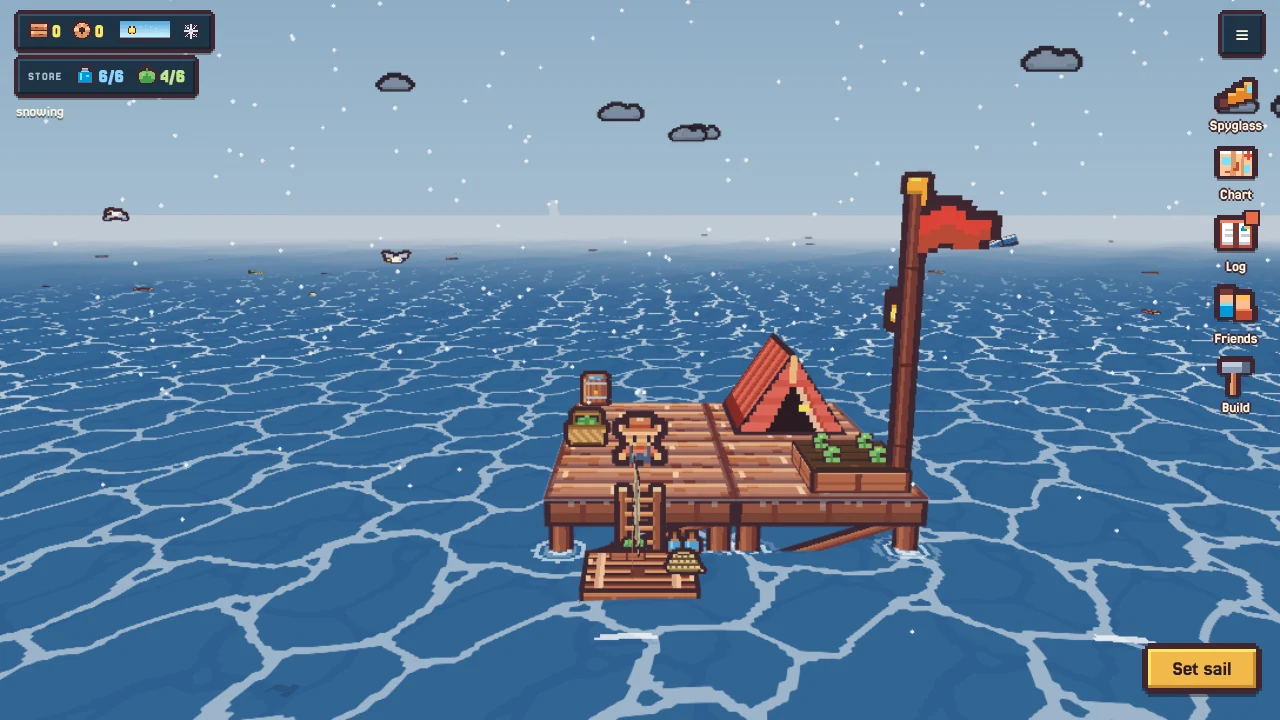
Night falls. Day length changes with the season.Winter: the rain falls as snow.
Seasons change what drifts in, what grows quickly, what bites, how long the days are and how often storms come.
Each season has its own sights and sounds. Some only happen on particular nights.
In winter the rain falls as snow. Barrels still fill.
Lightning can strike the station. It's much worse in summer, when the boards are dry.
A season you love comes back in four weeks. A crop that's out of season will wait for it.
The Sea Log
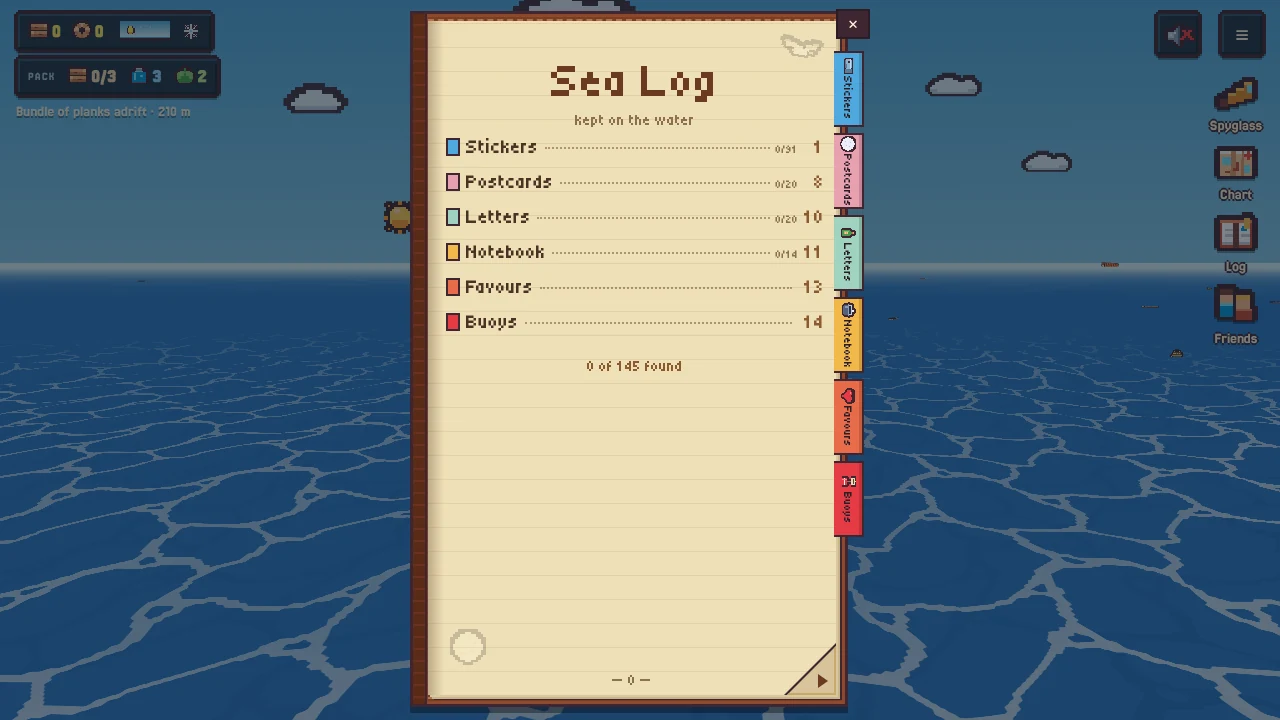
The Log is your keepsake book. It fills itself as you play.
Stickers, Postcards, Letters, Notebook, Favours and Buoys.
When something new goes in, the Log button shows a dot.
Things you haven't found are dark shapes. Tap a found one for its card: when you first found it, how many times, what it gives.
Special moments are kept as postcards, with a picture taken when it happened.
You can sketch anything you've found yourself, and send sketches in bottles.
Filling the Log is a good reason to sail somewhere you've never been.
Neighbours and friends
Everyone who plays lives on one shared sea. Your station has a fixed spot on it, with a few other players' stations around you as neighbours. Sail farther and you'll find more people.
Seeing other stations
At night, a lit lantern means someone is home and has played lately.
Look for flags by day and lanterns at night. A dark lantern means that player hasn't been around for a few days.
The spyglass and the chart name other stations and say how far they are.
Visiting
Sail up to someone's station and step aboard. Their crew go about their day around you.
Sign their guest book, leave a small gift, and top up before sailing on.
Nothing you do there changes their station. They'll see you came by.
Friends
Open Friends to see your friend code and add someone by theirs. You can also ask someone you've visited to be friends.
Friends send each other gifts and notes, and you can plan a route to their station, stopping at others on the way.
If you both agree, one of you can move your station next to the other's.
Buoys
Far from home, you can drop a buoy with a short sign. Other players sailing by see it and can like it. You can have a few out at a time, and they sink after a while.
Saving your game
The game saves by itself on your device, and to the cloud when you're online. You don't need an account.
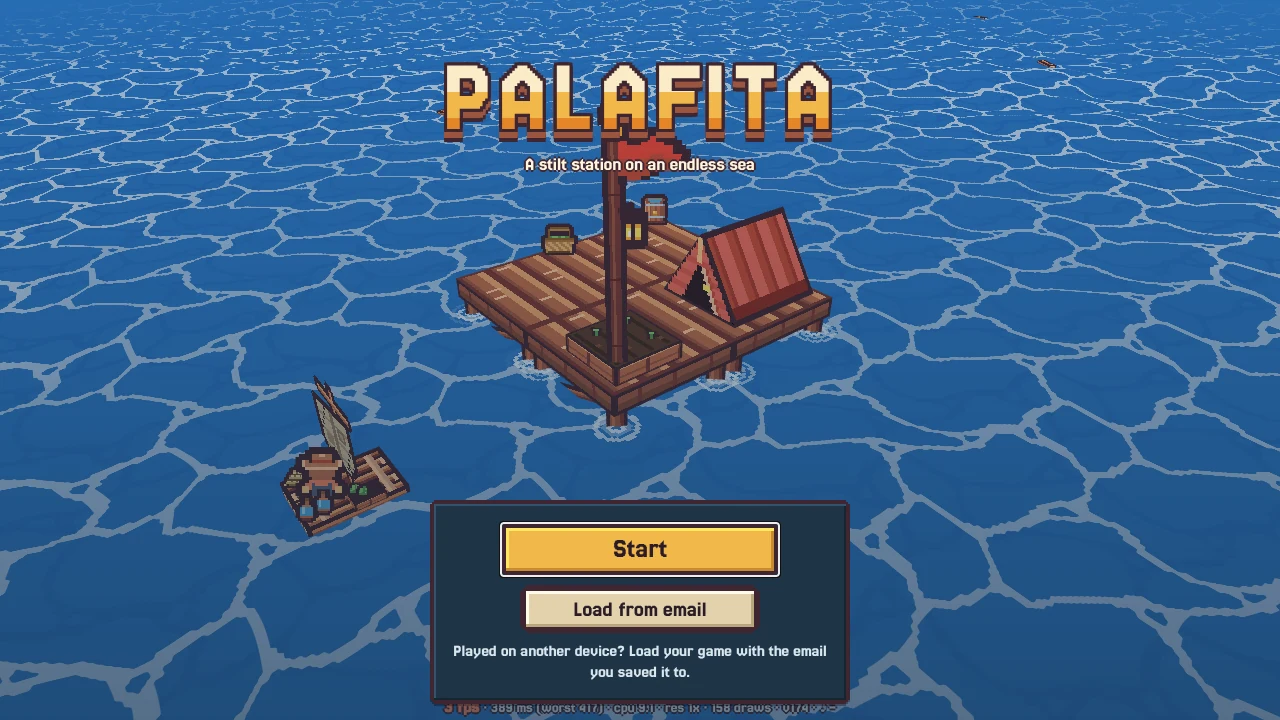
The start screen. Load from email brings back a saved station.
Add an email in the ≡ menu under Save & load. It lets you load your station on another device and keeps your place on the sea however long you're away.
Without an email, a station that's quiet for a month can lose its spot on the shared sea. Your save is kept; when you come back, the tide carries your station somewhere new.
Some browsers (often on iPhone) clear website data. If your game seems gone, use Load from email on the start screen.
Remember me in Save & load helps the browser find your game again.
Playing on a phone? Add an email early. It's the safest way to never lose your station.
Questions
Can I die?
No. Running out of water or food at sea just sends you home at dawn.
Does the game keep going when I'm away?
While it's open, your station keeps living: plants grow, castaways work, rain fills barrels. Close it and things pick up from your save next time.
My castaway won't do anything.
Check they have a bed and that the store isn't empty. Tap them to see what they're up to. Mending stilts comes first, so a worn station keeps them busy.
I keep running dry at sea.
Store more at home, upgrade the raft, and bring dishes that keep. The spyglass tells you before you go if something is out of reach.
There's no music on my phone.
Tap anywhere on the screen once (not just the joystick). If a muted speaker icon shows by the menu, tap it.
Where do I report a bug?
In the comments on the itch page. Saying which device and browser you use helps a lot.
 How this guide works
 The first ten minutes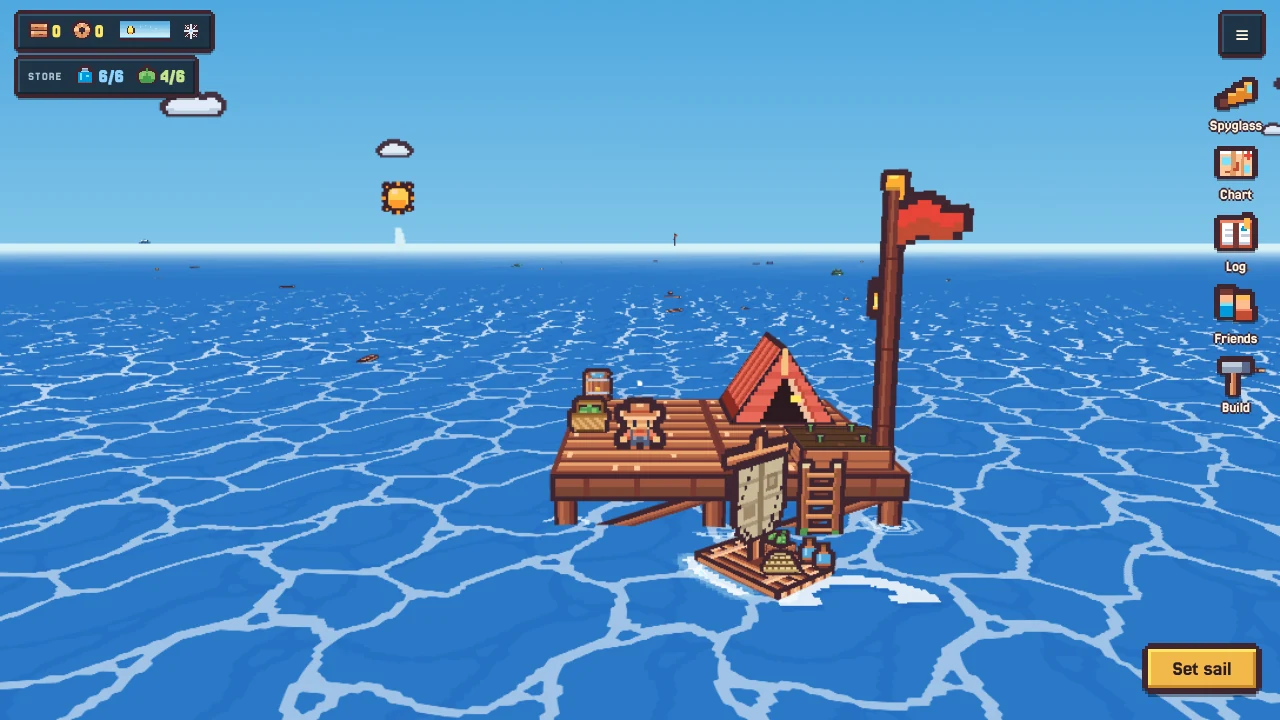
 Controls
 Spyglass
 Chart
Chart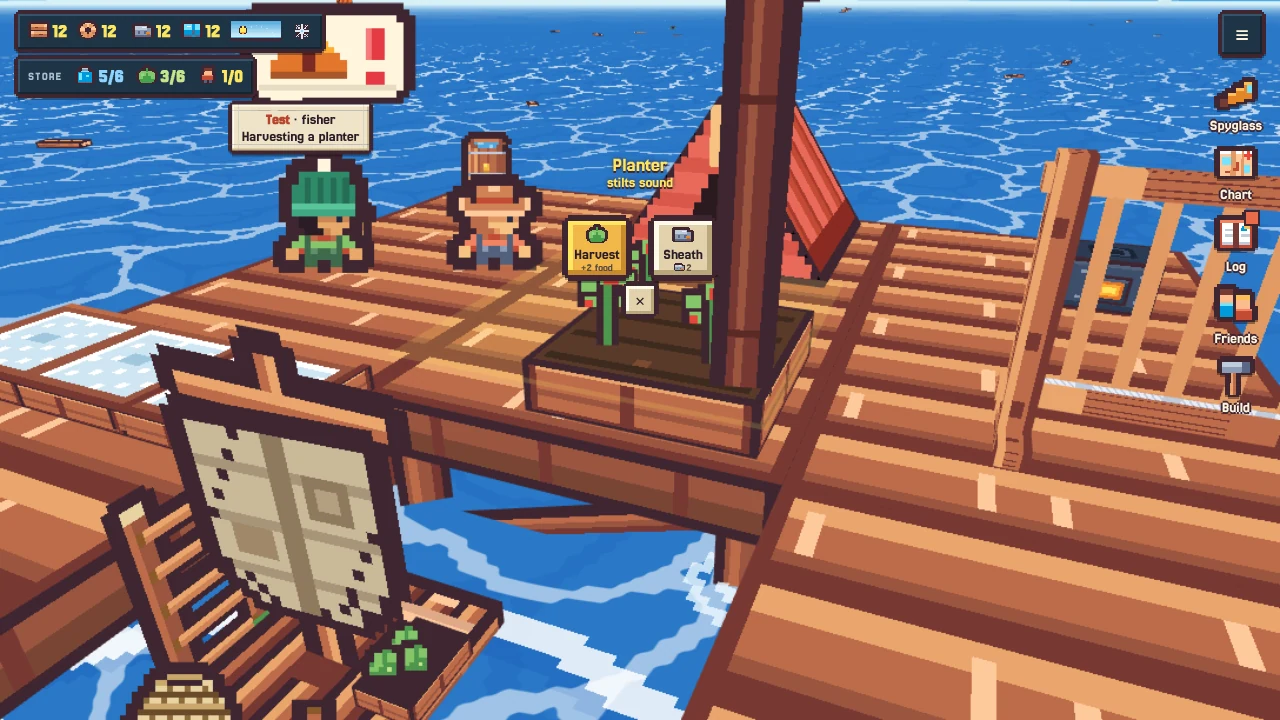
 Water, food and range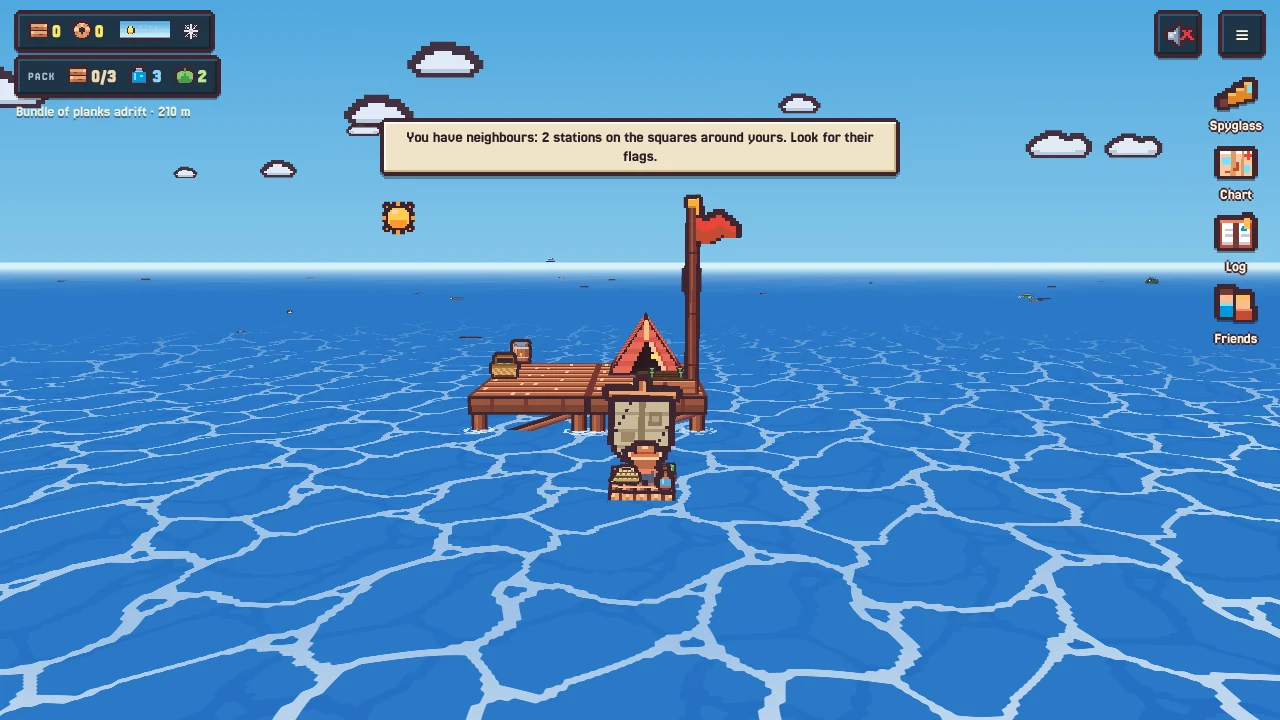
 Sailing and towing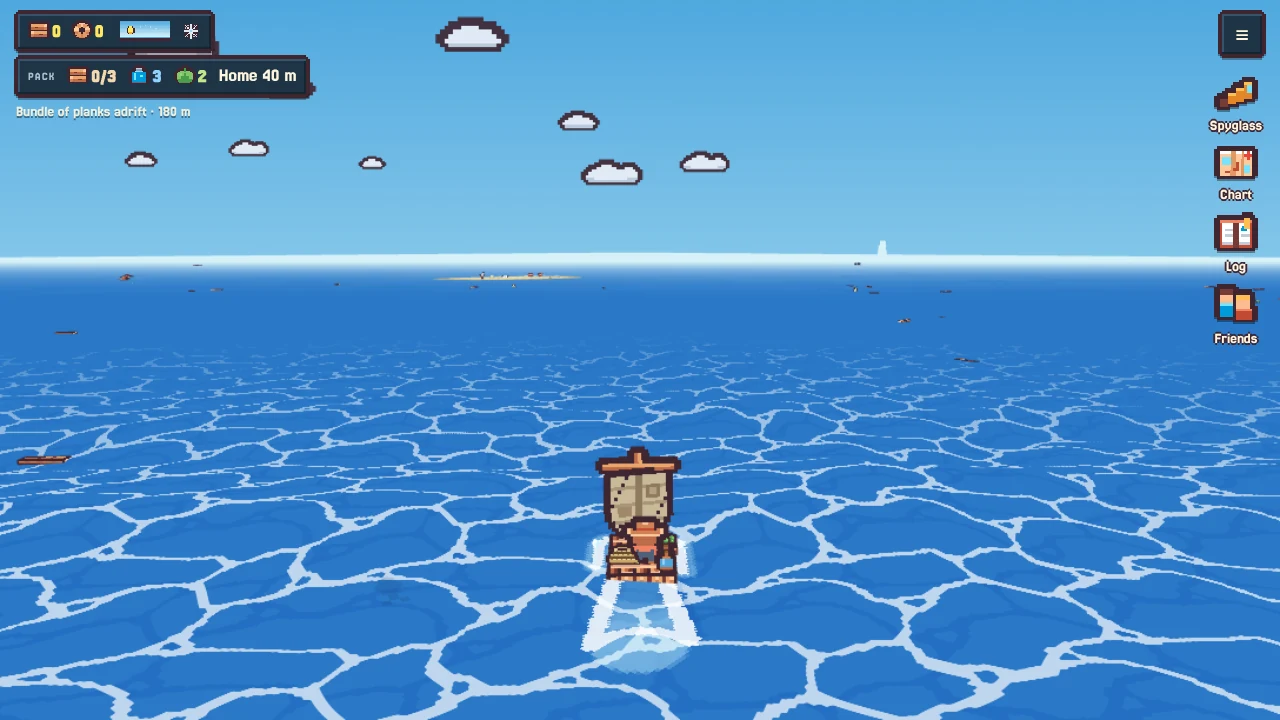
 Your raft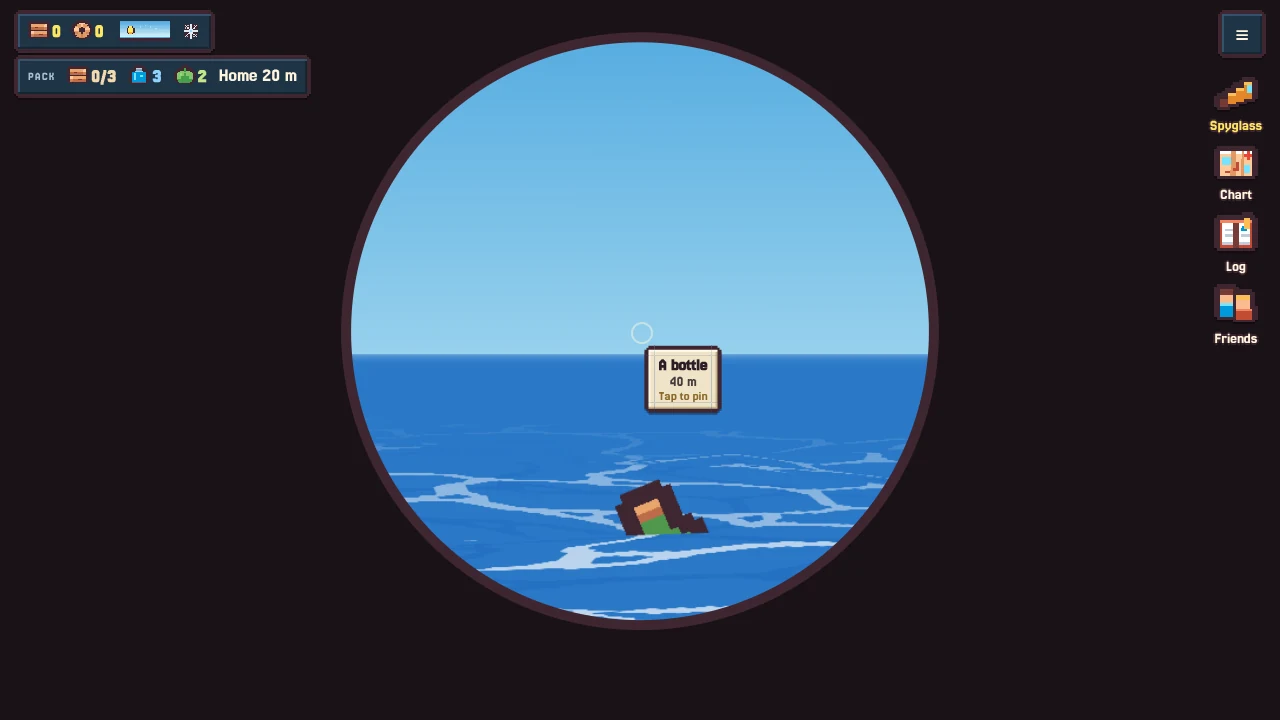
 Building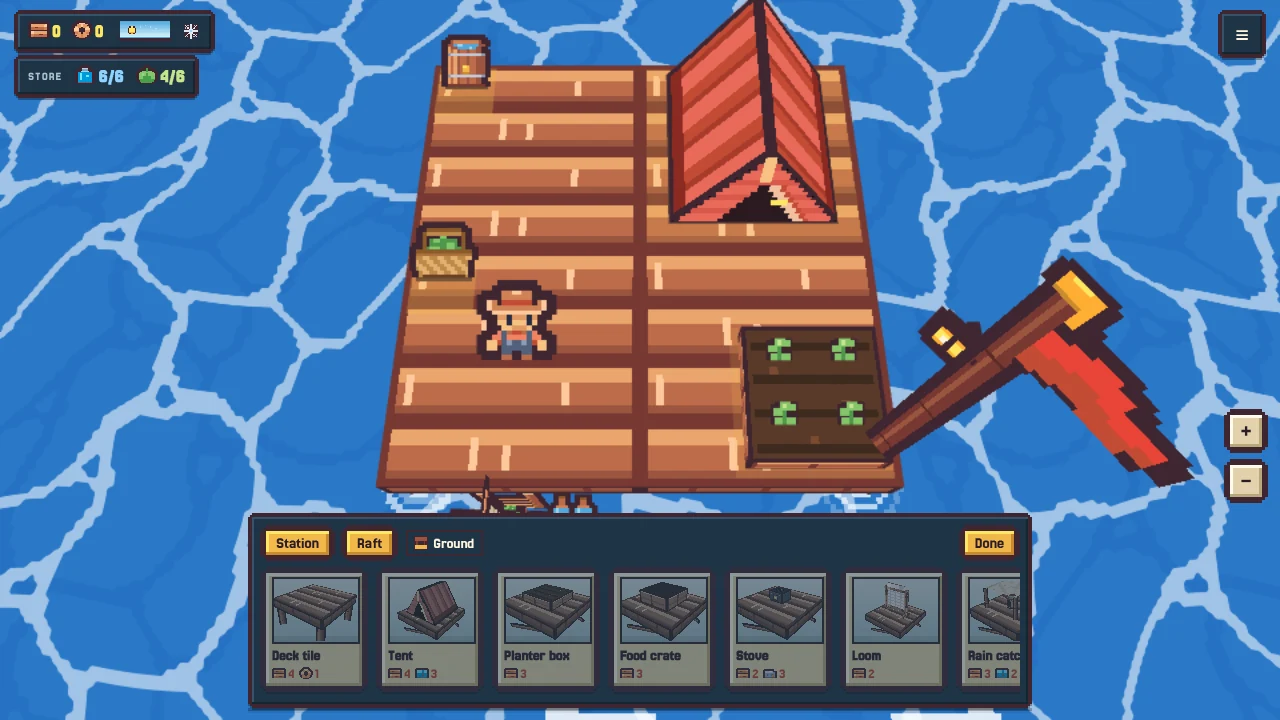
 Deck tile
 Tent
Tent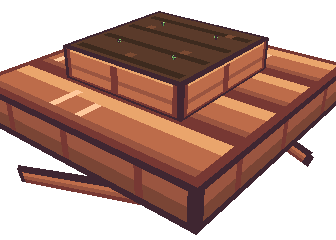 Planter
 Food crate
 Rain catcher
 Stove
Stove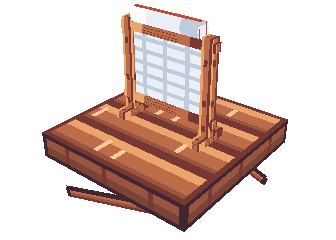 Loom
Loom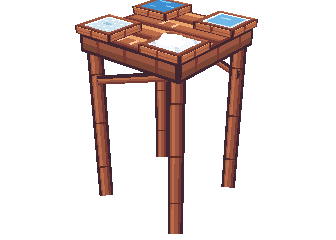 Salt pans
 Stilts and storms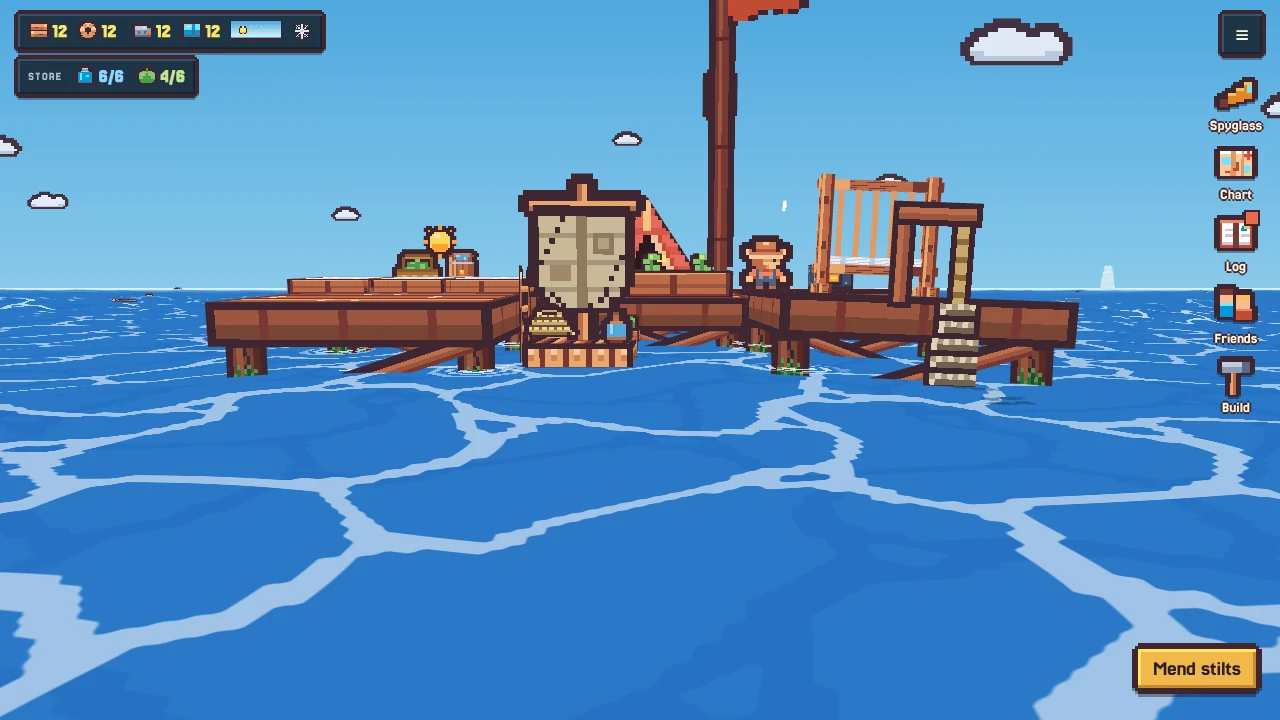
 Planters and seeds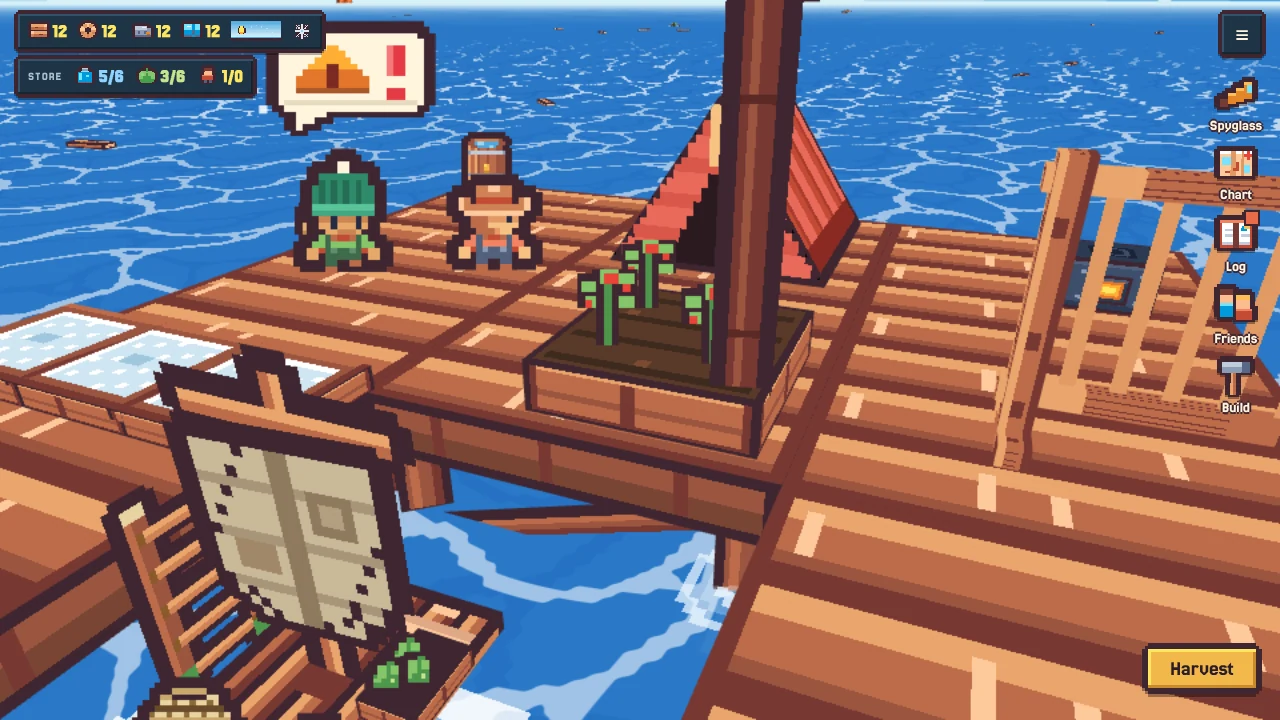
 Salt pans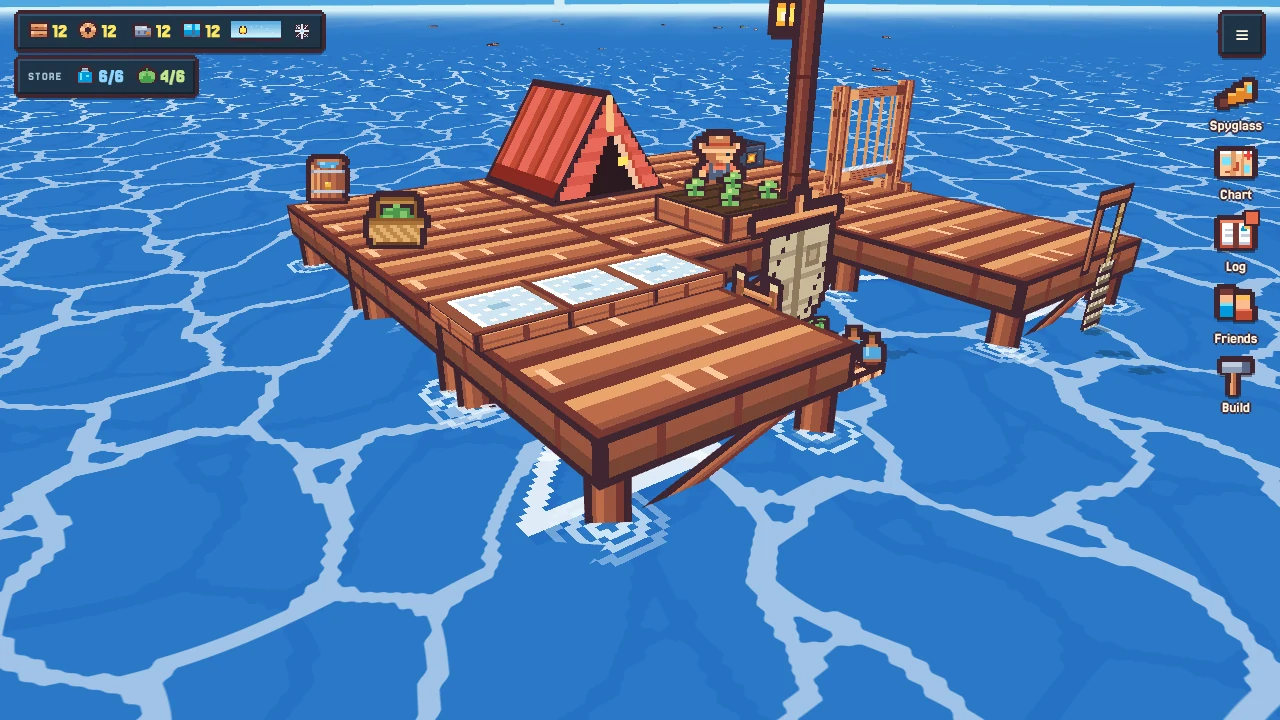
 The loom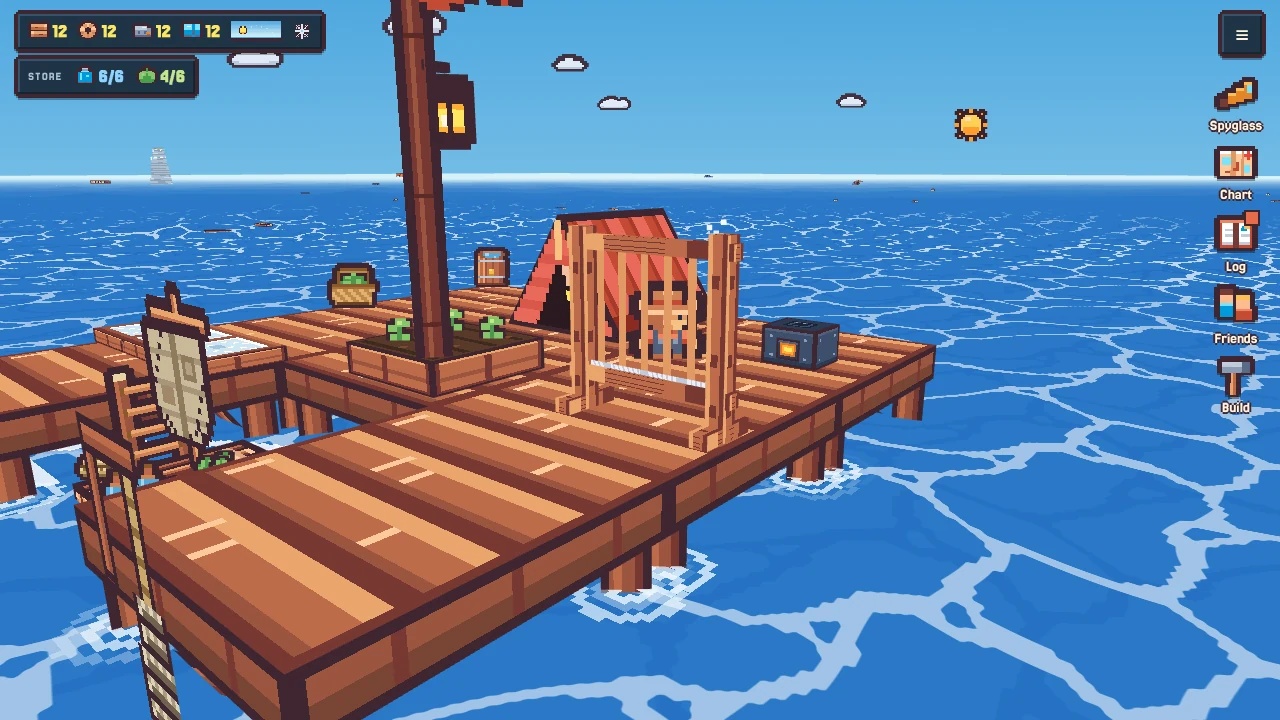
 The stove and the cookbook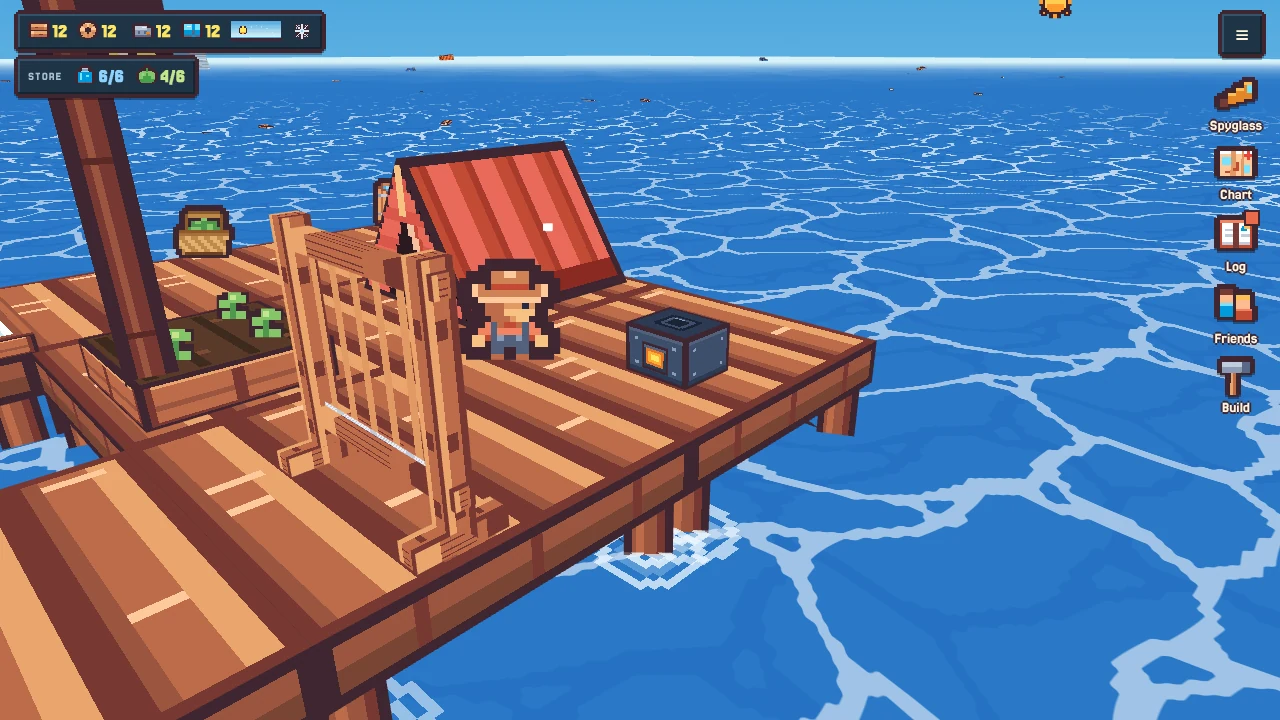
 Neighbours and friends